Safe Meetup Checklist for Buying a Used PC in Ontario
Public meetups, payment timing, and quick hardware checks that keep your cash safe when you buy a gaming PC privately in Ontario.
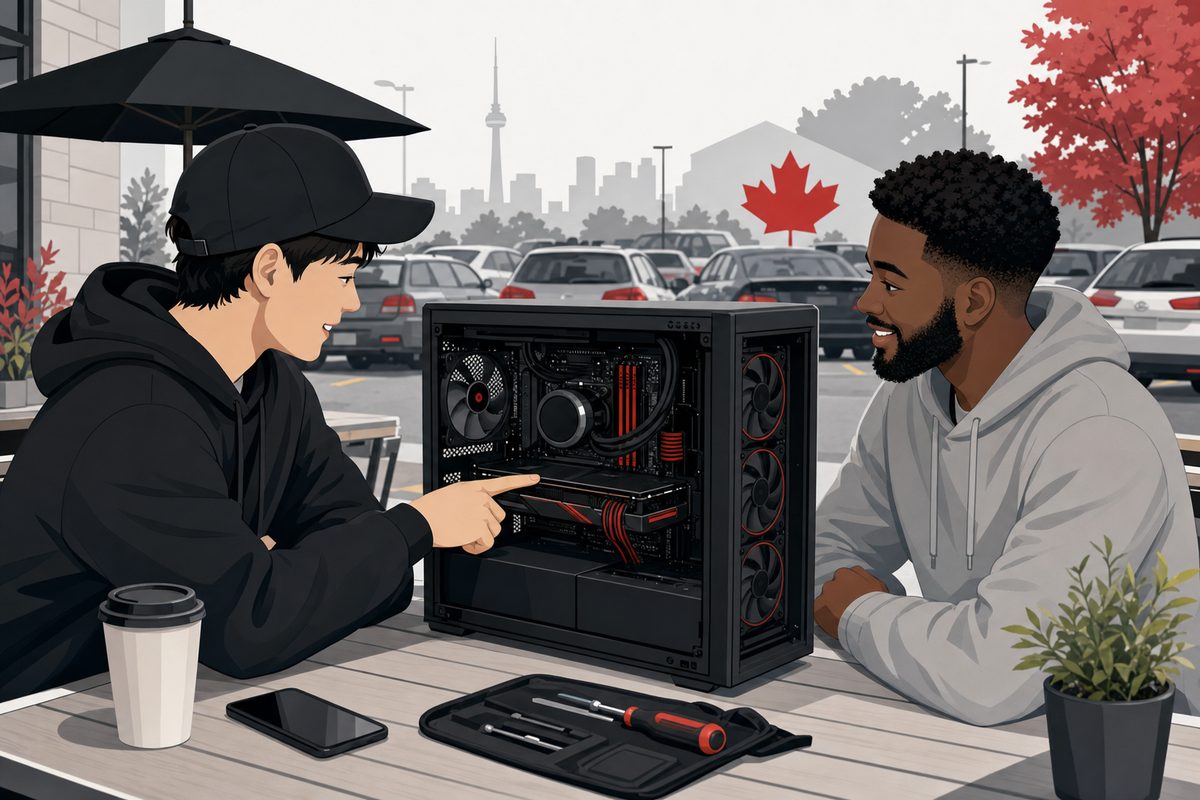
Pick the right meetup spot
Meet in a busy public place with cameras: library parking lots, police station trade zones, or mall entrances work well. Avoid home entries for first meetings and never share banking passwords or 2FA codes. Bring a friend when possible and daylight helps for spotting case damage.
Inspect before you pay
Verify the exact CPU, GPU, and RAM in Windows or BIOS before money changes hands. Run a quick game or benchmark, listen for coil whine, and check USB ports and Wi-Fi. Our full inspection checklist covers stress tests and red flags in more detail.
Payment habits that reduce risk
Cash or in-person e-Transfer after you have tested the PC is standard across Ontario. Avoid deposits to hold a system you have not seen boot. Read our cash vs e-Transfer guide and scam red flags before any transfer.
When to walk away
Walk away if specs change at the meetup, the seller rushes payment, or the PC will not boot to desktop without excuses. A legitimate seller expects inspection time. Prefer sellers who offer local handoff with clear contact info, or browse tested inventory if you want less risk.
Save this next to our marketplace scam guide before your next Kijiji or Facebook deal.
Explore more