Best Value GPUs for Gaming (1080p & 1440p)
“Best” changes every launch cycle. These principles stay the same: match your monitor, watch power draw, and use upscaling smartly when games support it.
Start with your monitor
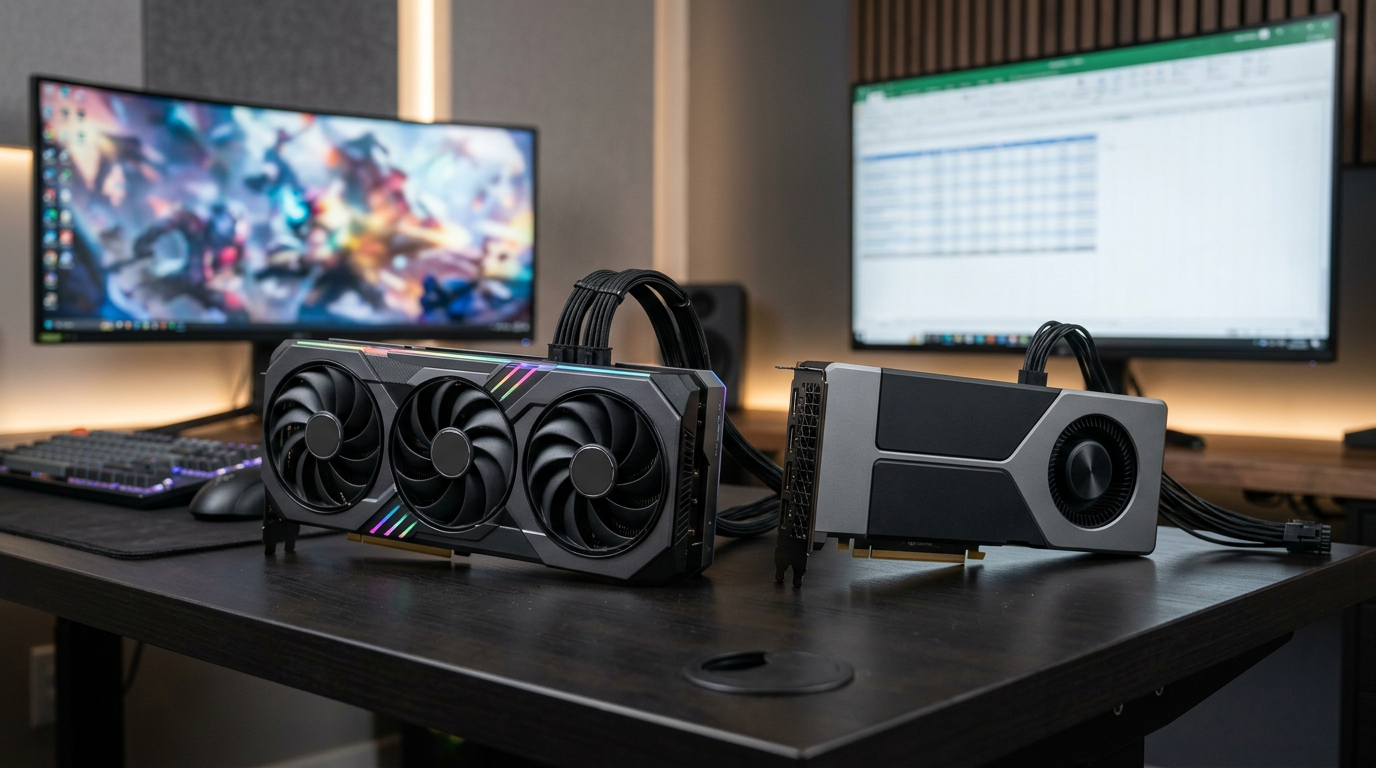
A 60 Hz 1080p panel does not need the same GPU as a 1440p 165 Hz display. Write down your resolution and refresh rate, then aim for a GPU that can hold roughly that FPS in the games you play most, not in every title on Ultra.
NVIDIA: RTX and DLSS
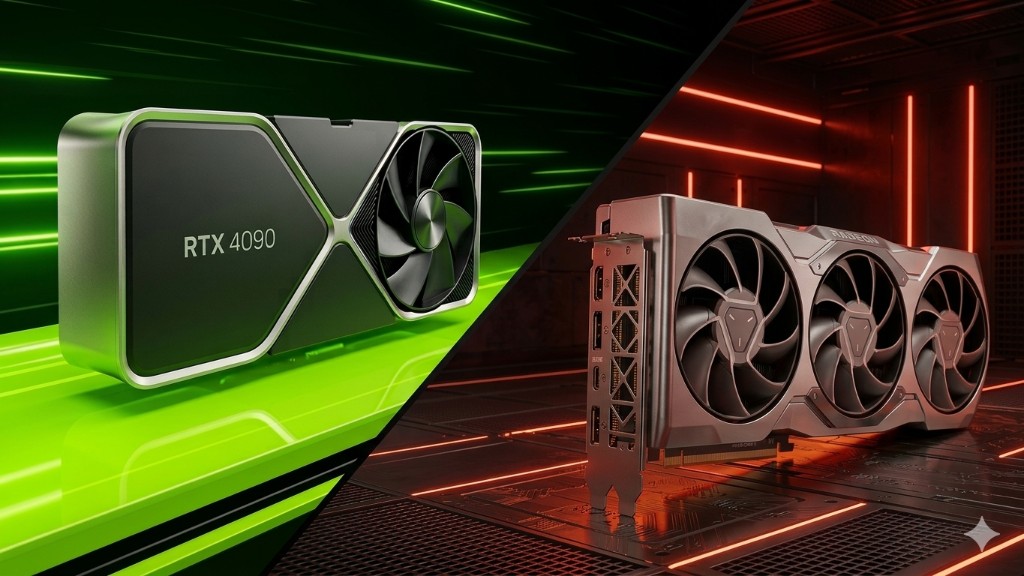
NVIDIA’s RTX cards bring ray tracing hardware and DLSS in supported games. DLSS can feel like a free tier jump when it looks good in your title, but not every game implements it equally. When comparing used RTX 30-series vs 40-series, weigh efficiency and warranty remaining, not just raw scores.
AMD: Radeon and FSR
AMD’s Radeon GPUs often compete hard on price per frame, especially in the mid-range. FSR works across more hardware brands and can rescue demanding settings on older cards. Read a recent review for the exact SKU you are considering; small model-number differences (for example VRAM amount) matter at 1440p and above.
Used GPUs: what to verify
Ask for original purchase context, run a quick in-person benchmark if possible, and check temperatures. For Ontario buyers, local inspection beats a mystery shipment. If a deal is far below market, assume there is a story, ask until it makes sense.
Value tiers (rule of thumb)
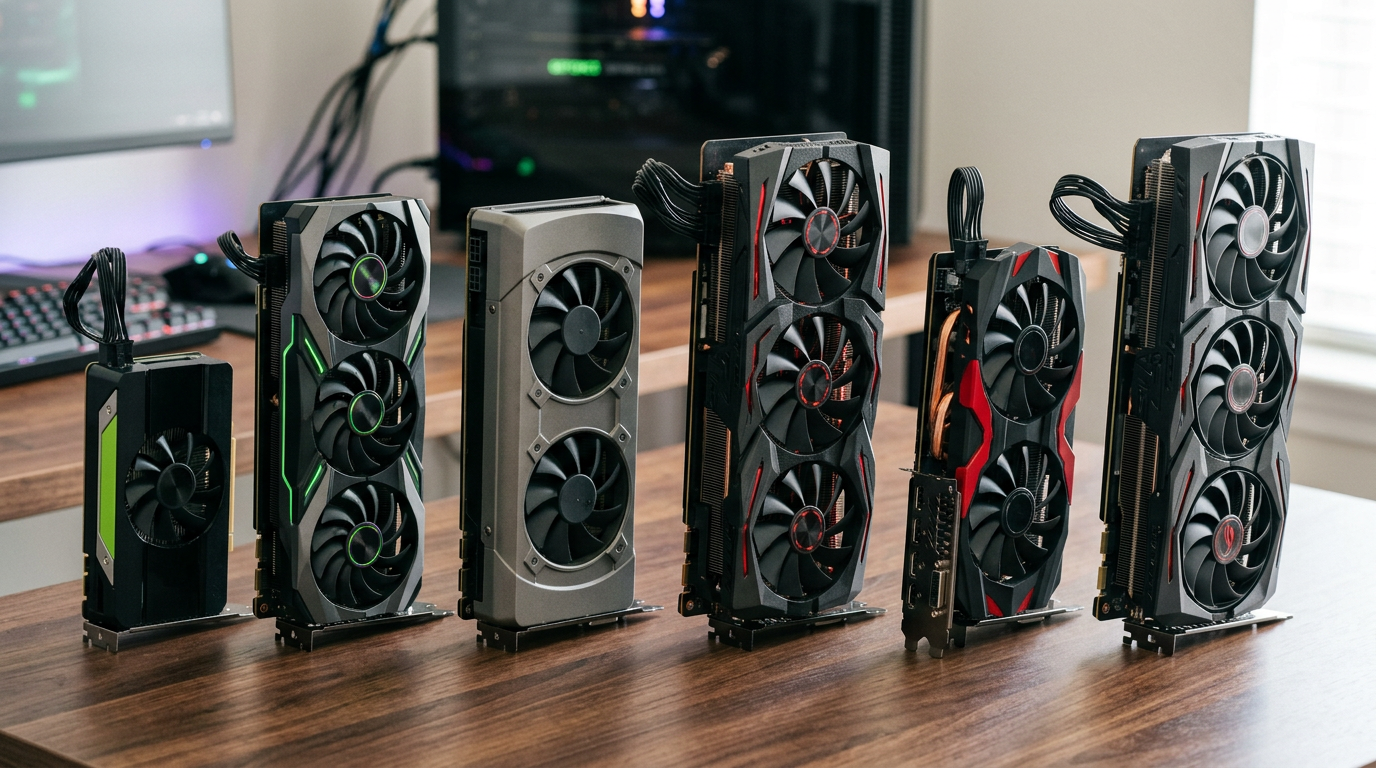
- 1080p esports / high refresh: Aim for a solid mid-tier card from the last two generations rather than the absolute entry level.
- 1080p AAA: Mid-tier to upper mid-tier; use settings toggles before buying “one tier higher.”
- 1440p: Upper mid-tier or better; verify VRAM headroom for texture-heavy games.
Browse GPUs we have in stock or read RTX vs Radeon framing.
Explore more