Gaming PC Scams on Ontario Marketplaces
Too-good deals on Kijiji and Facebook Marketplace usually are. Learn the red flags before you e-transfer or meet a stranger with cash.
Listing red flags to skip immediately
Walk away when the ad uses stock photos only, refuses component photos, or lists a RTX 4090 at half market price “because moving.” Vague titles like “gaming PC i7 RTX” hide old hardware behind modern-sounding words. Sellers who will not share the exact GPU model until you arrive often know the card is misrepresented. In Ontario cities, cloned listings across multiple accounts are common; reverse-image search the hero photo if something feels off.
Fake or mislabeled GPUs
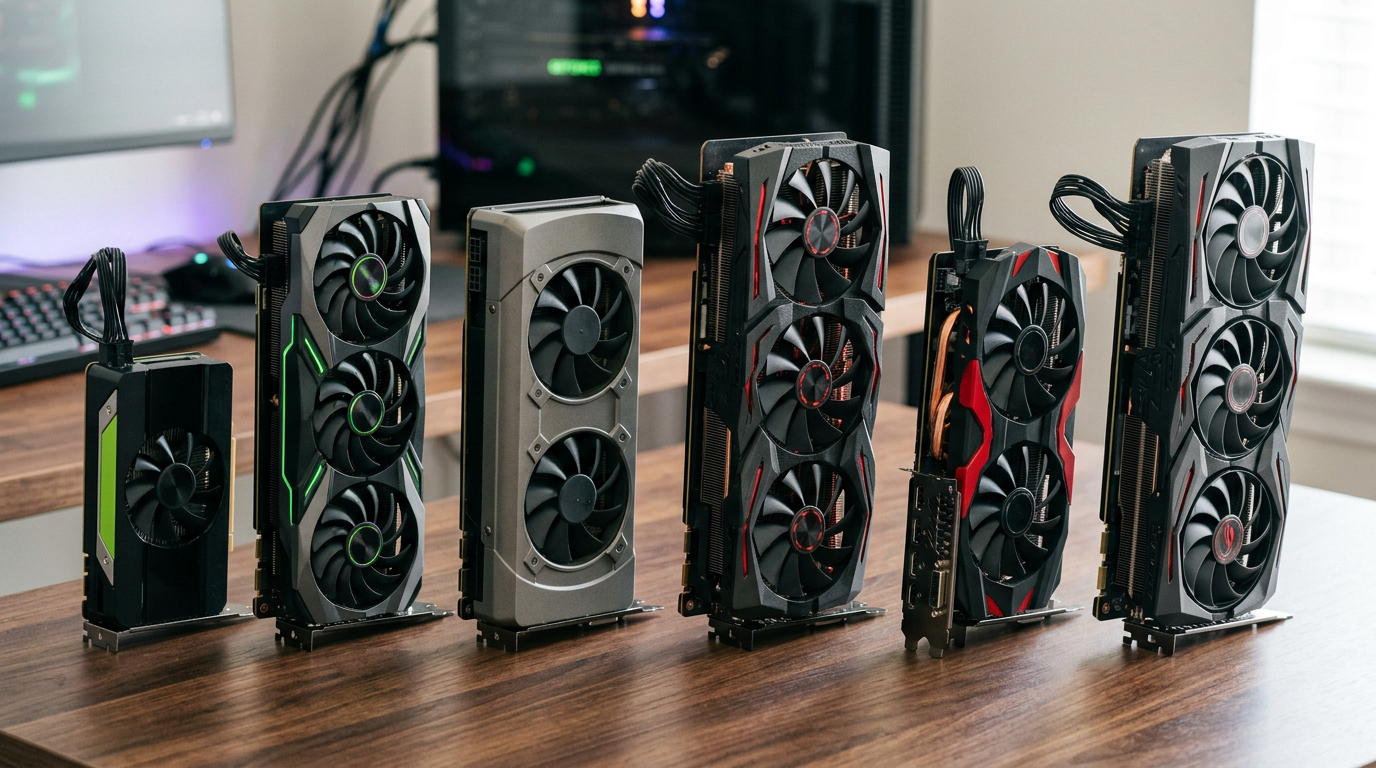
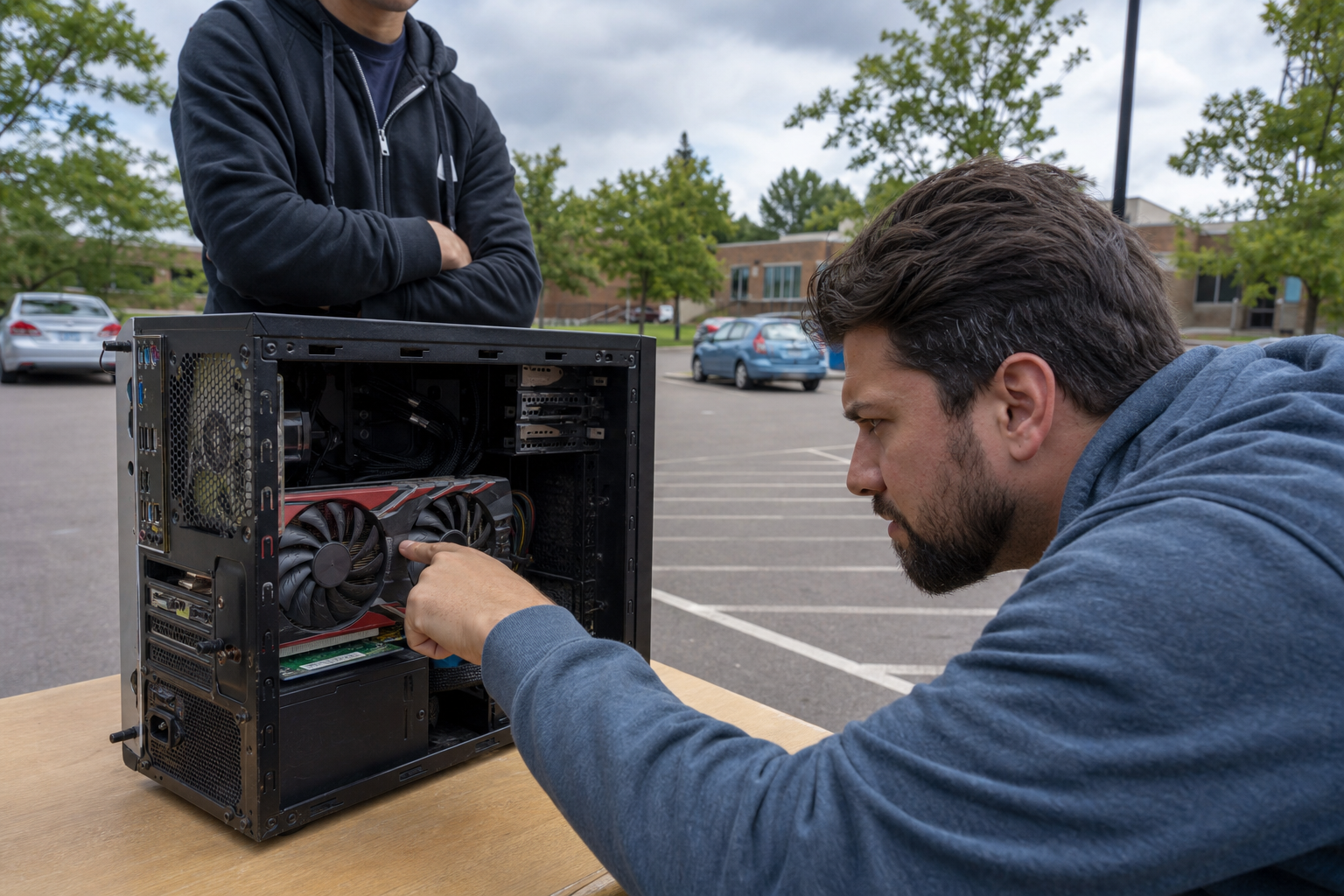
Counterfeit and BIOS-flashed cards still show up. A GTX 1060 relabeled as a 3060 will fail once you run GPU-Z or a game benchmark. Always verify the renderer string in-game matches the sticker. Missing video outputs, wrong power connectors, or a cooler that does not match reference photos are physical tells. Our used PC inspection checklist lists the exact tools and tests to run in ten minutes at a meetup.
Pressure, payment, and meetup tricks
Scammers rush you: “three other buyers tonight,” “e-transfer before hold expires,” or “my cousin will meet you instead.” Use cash or e-transfer only after inspection, in a public place. Never accept shipping labels from “couriers” you did not arrange. If the seller will not let you stress-test for five minutes, they are protecting a lie.
Safer alternatives for Ontario buyers
Buying from a seller who lists verifiable specs and stands behind the machine removes most of this risk. Browse tested inventory with named components, or ask us to sanity-check a Marketplace link before you drive across the GTA. Selling a legit PC? Honest photos and our checklist expectations help you find serious buyers faster. See also custom vs prebuilt vs used for where private-party deals fit the market.
Run every private sale through our inspection checklist, or shop verified systems instead.
Explore more