RAM and SSDs for Gaming PCs
Memory and storage are easy upgrades later, but buying the wrong baseline can mean a rebuild sooner than you planned.

How much RAM?
16 GB is still workable for many titles if you close background apps. 32 GB is the comfortable recommendation for new builds in 2026, especially if you stream, keep many browser tabs open, or play large open-world games with high texture packs. 64 GB is mostly for creators and niche workloads, not required for typical gaming.
DDR4 vs DDR5
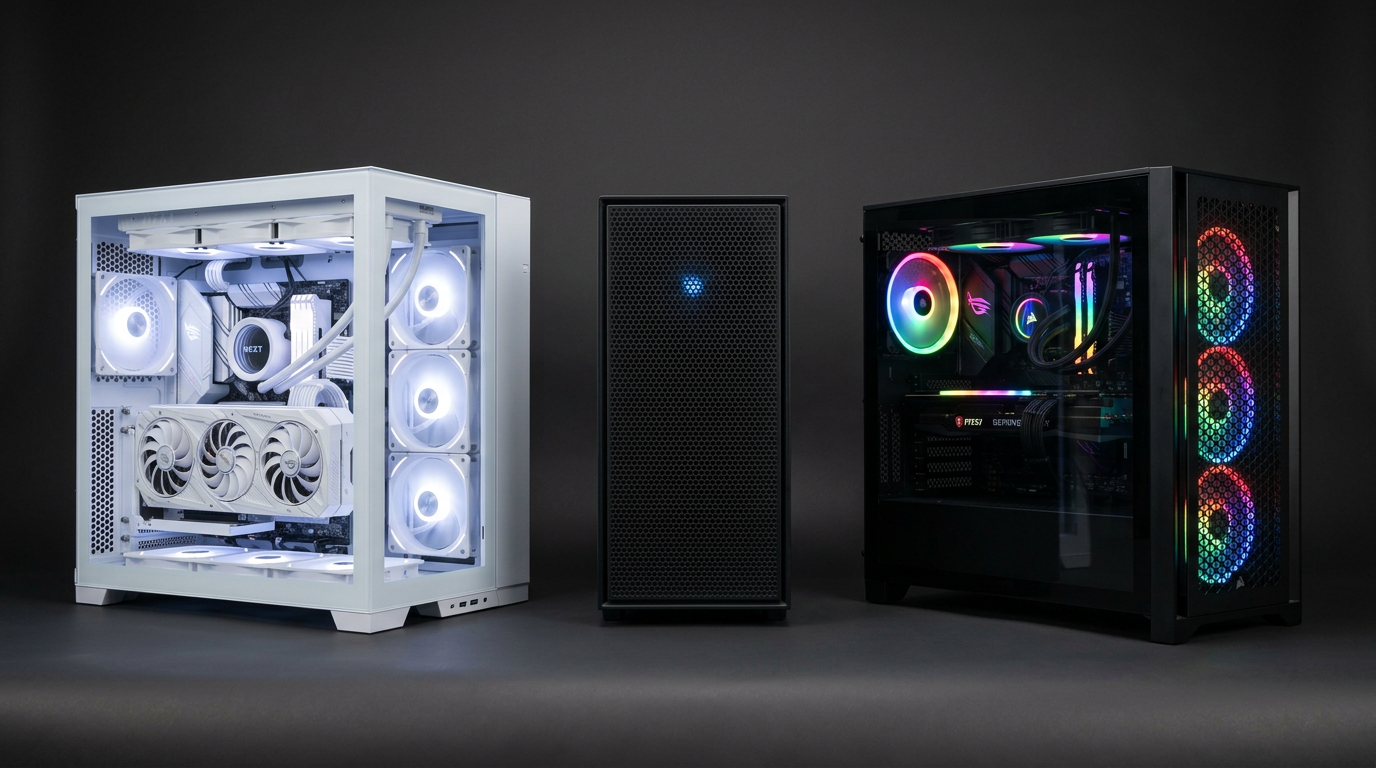
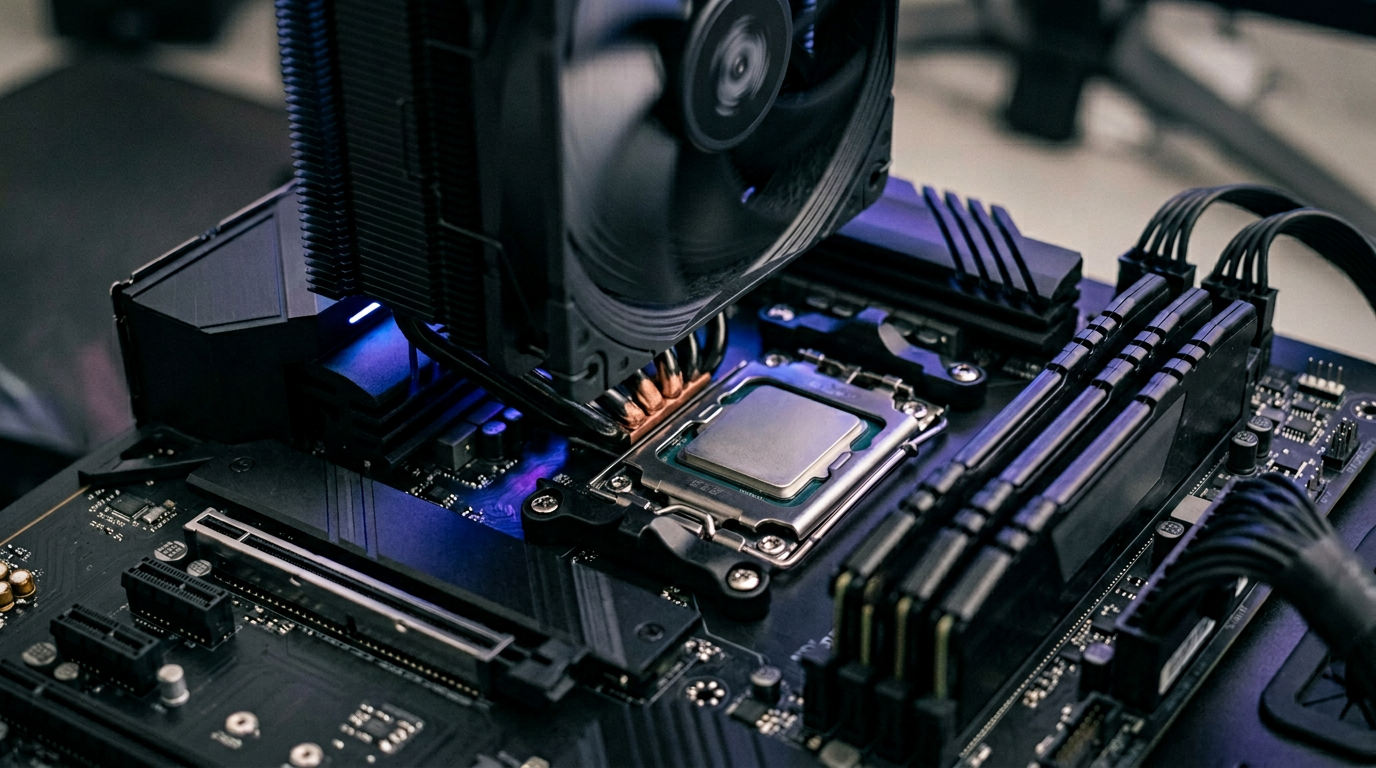
DDR5 (fifth-generation system memory sticks) is the direction of new platforms; RGB DDR5 kits and fast NVMe drives with heatsinks are common on fresh builds. DDR4 (previous-generation RAM) systems remain viable on the used market at strong prices. When comparing, check motherboard support and rated speeds, a slow DDR5 kit might not beat tuned DDR4 in every game. Stability at the motherboard’s qualified speeds matters more than chasing the highest MHz number on the box.
NVMe SSDs: Gen3, Gen4, Gen5
For gaming, the jump from a SATA SSD (older drives that use SATA power and data cables) to NVMe (a faster type of SSD that plugs into the small M.2 slot on the motherboard) is noticeable in load times. Many newer M.2 SSDs ship with a heatsink for sustained speeds; stick to established brands for firmware support and warranty. Gen3, Gen4, Gen5 refer to how fast the drive talks over PCIe (the motherboard’s high-speed lanes); the jump from Gen3 to Gen5 is often smaller in real games than benchmarks suggest, great for future-proofing and heavy file work, not always a must-buy for play alone. Size matters: 1 TB is a sensible minimum if you rotate several large games.
What we look at on used PCs
We note RAM amount and speed where possible, and confirm the boot drive health story when we can. If you are buying private-party in Ontario, ask whether the SSD was used heavily for caching or downloads, consumer workloads are usually fine, but transparency helps pricing.
Questions about a specific listing? Contact us.
Explore more