Gaming CPU Buyer's Guide
CPUs are easier to overspend on than GPUs. This guide keeps you grounded: enough cores, fast enough for your monitor, money left for the graphics card.
How many cores?
Modern games use more threads than they used to, but six performance cores still cover most gaming workloads if clocks are healthy. Eight cores adds comfort for streaming, recording, and heavier background tasks. Beyond that, returns diminish quickly unless you also edit video or compile code.
Clock speed and cache
Higher boost clocks and larger L3 (level 3) cache can improve minimum frame times in CPU-sensitive titles. AMD’s X3D (extra 3D stacked cache on some Ryzen chips) is the famous example. For open-world games and sims, those minimums affect “stutter feel” more than average FPS (frames per second).
What “bottleneck” actually means
Every PC has a limiting component at any given moment. If your GPU is pegged at 99% in-game, that is often what you want. It means the CPU is keeping up. If the GPU is low while the CPU is maxed, you may be CPU-limited (the processor cannot feed the graphics card fast enough). That setup is common at 1080p with a very fast card. Fix it by raising resolution or settings, capping FPS, or upgrading the CPU, not by guessing from brand alone.
Cooling and power
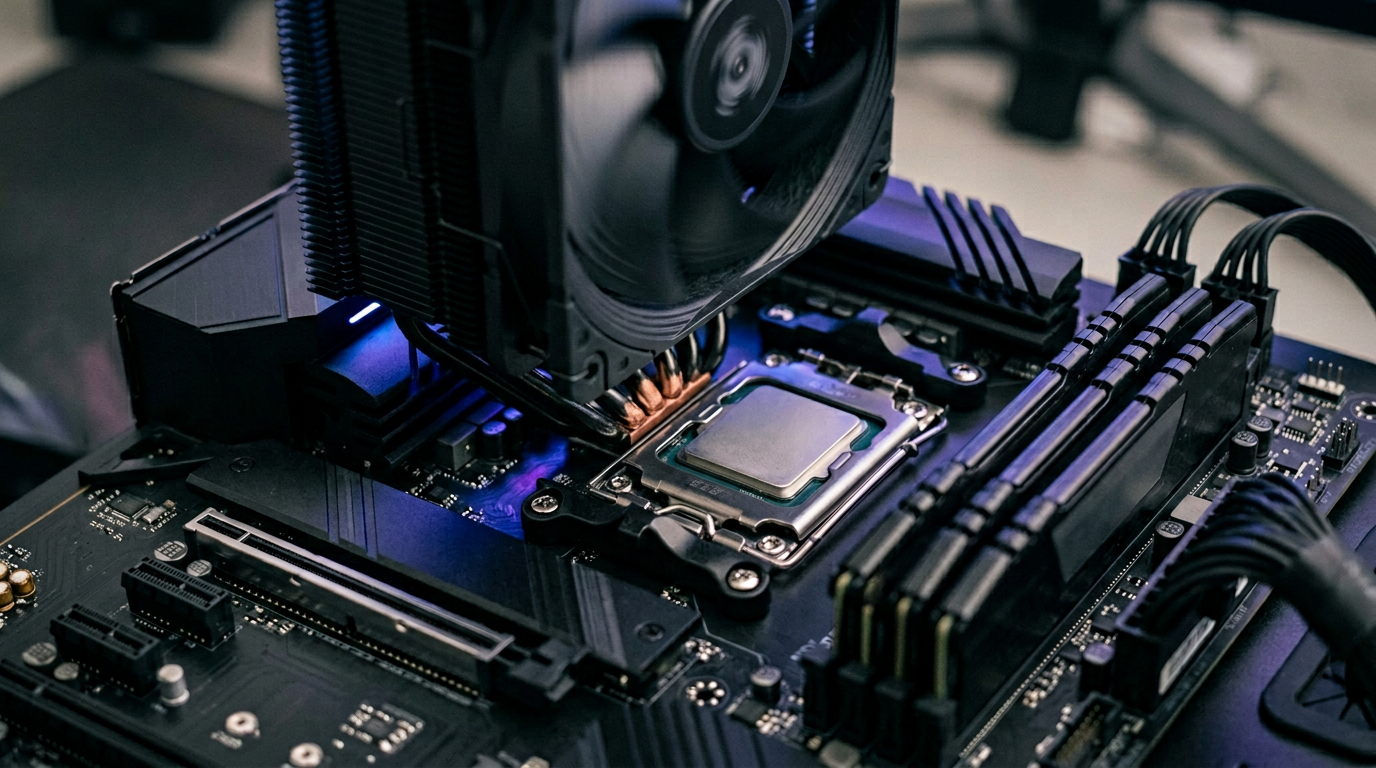
A hot CPU throttles (slows down when it gets too hot), which kills value. Budget for a decent tower cooler or an AIO (all-in-one) liquid cooler on higher-watt chips, and make sure your case has intake and exhaust airflow. Undervolting can help on some platforms but is optional; stable stock behavior matters more for resale in Ontario’s used market.
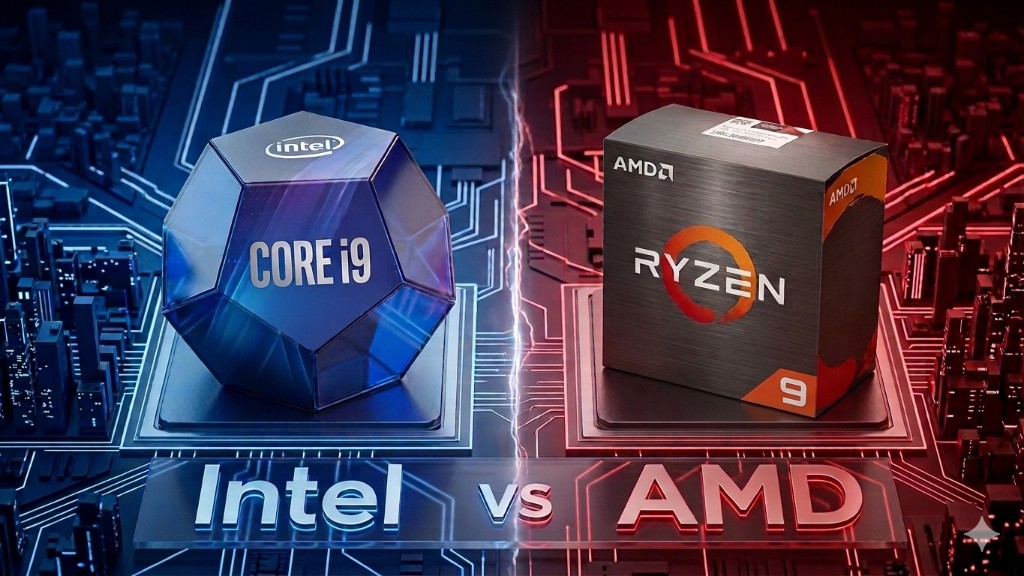
Pair this with Intel vs AMD and monitor refresh vs GPU.
Explore more