Local AI PC specs: what actually matters
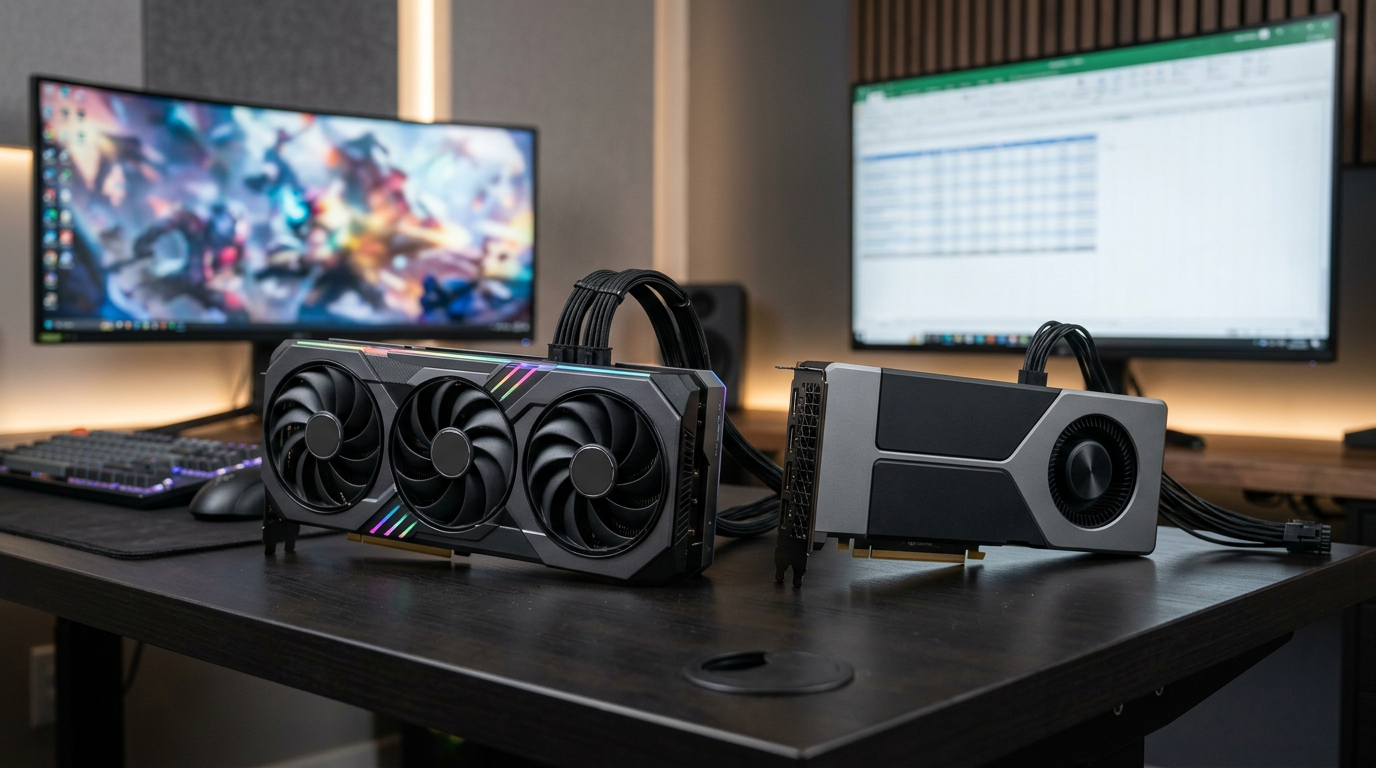
Gaming PCs and AI desktops overlap more than the marketing suggests. If you want to run models locally, help with coding, or experiment with image tools, start with GPU VRAM (video memory on the graphics card), then system RAM (memory the whole PC shares), then fast NVMe (M.2 SSD storage), the same pillars we look for when listing Ontario inventory.
VRAM: the hard ceiling
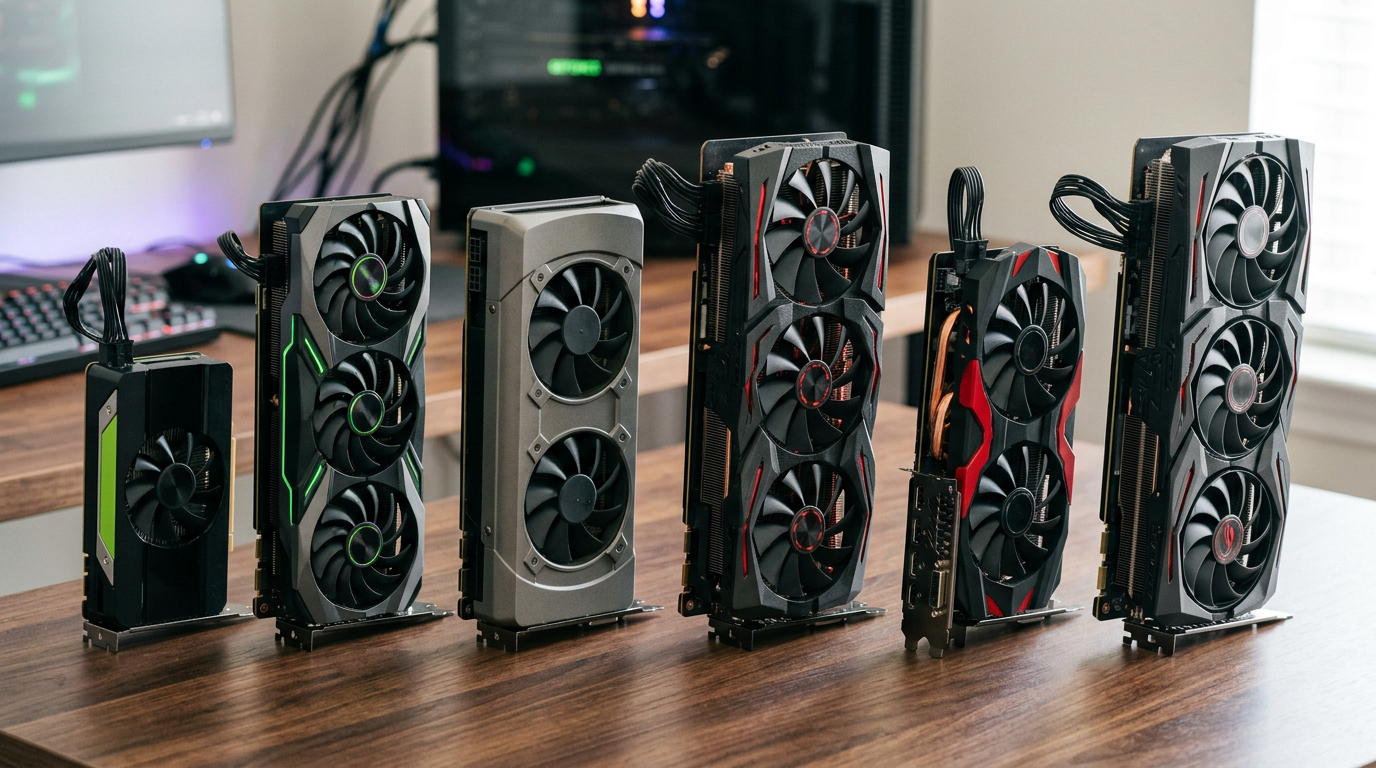
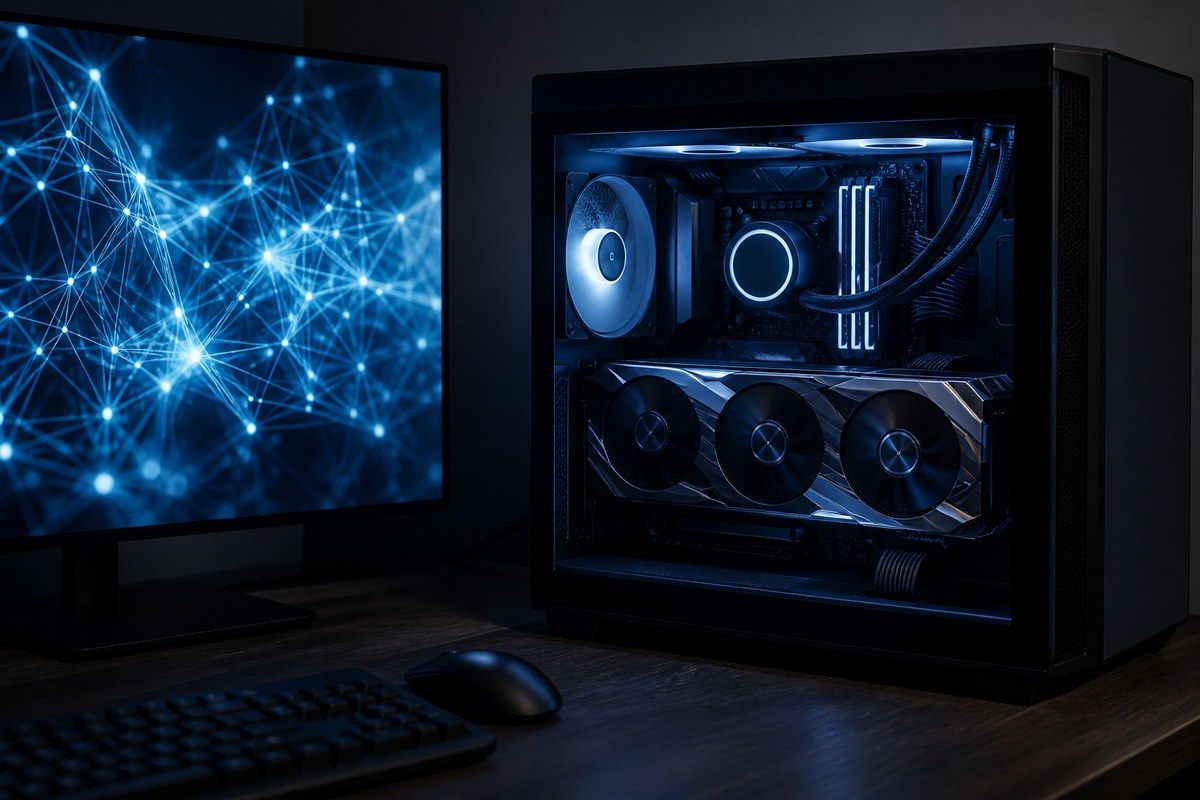
Most local LLM and diffusion workloads are limited first by how many gigabytes fit on the GPU. More VRAM (video RAM on the graphics chip) means larger quantizations, longer contexts, or bigger image batches without constantly swapping to system RAM (which is slower). This is why a used RTX (NVIDIA’s GeForce line with ray tracing) card with generous VRAM often beats a newer mid-tier card with less memory for AI experiments.
CUDA vs ROCm (keep it practical)
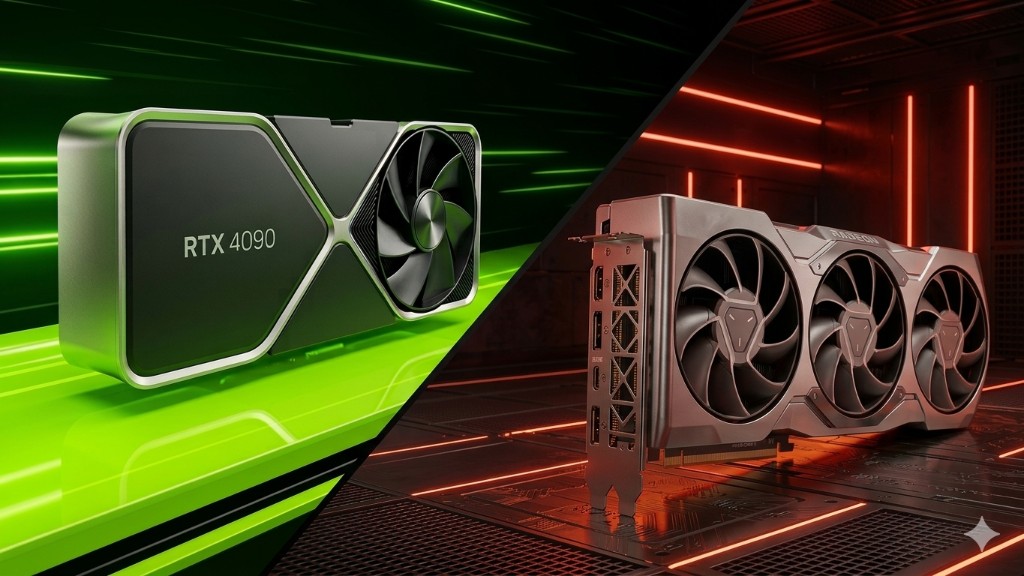
Many popular AI frameworks still assume NVIDIA CUDA (NVIDIA’s software layer for running compute on the GPU) first. AMD ROCm (AMD’s platform for GPU compute, similar in role to CUDA) on Windows has improved but can require more troubleshooting. If you want the path of least resistance for local tooling, lean RTX unless you already know your stack supports AMD end-to-end.
System RAM still matters
The GPU does the heavy lifting, but the OS, browser, dataset prep, and some inference paths still want 32 GB+ system memory. Our RAM guide covers DDR4 vs DDR5; for AI, capacity and stability beat chasing exotic speeds.
Storage & thermals
Model weights and checkpoints are huge. A 1 to 2 TB NVMe (M.2 SSD) with headroom saves you from shuffling files mid-project. AI loads can sustain GPU power for long stretches, good case airflow and a clean cooler matter as much as they do for gaming.
“Best gaming PC for AI” in one sentence
Buy the most VRAM you can verify is healthy, pair it with a modern CPU, 32 GB+ RAM, and a fast SSD, then enjoy the fact it also runs 1440p games when you are done prompting.
See our inventory
We specialize in transparent, Ontario-delivered towers, many are strong fits for gaming plus local AI. View our inventory for RTX-heavy builds, high-RAM configs, and upgrade-ready platforms. Not sure which card fits your stack? Contact us with your toolkit (Ollama, ComfyUI, etc.) and we will narrow it down.
Also read workstation vs gaming GPUs and trading PC RAM priorities.
Explore more