


CPU Bottlenecks at High Refresh Rates
Why a strong GPU still feels capped in Fortnite or Valorant at 240Hz-plus, and how to diagnose CPU limits before you upgrade the wrong part.
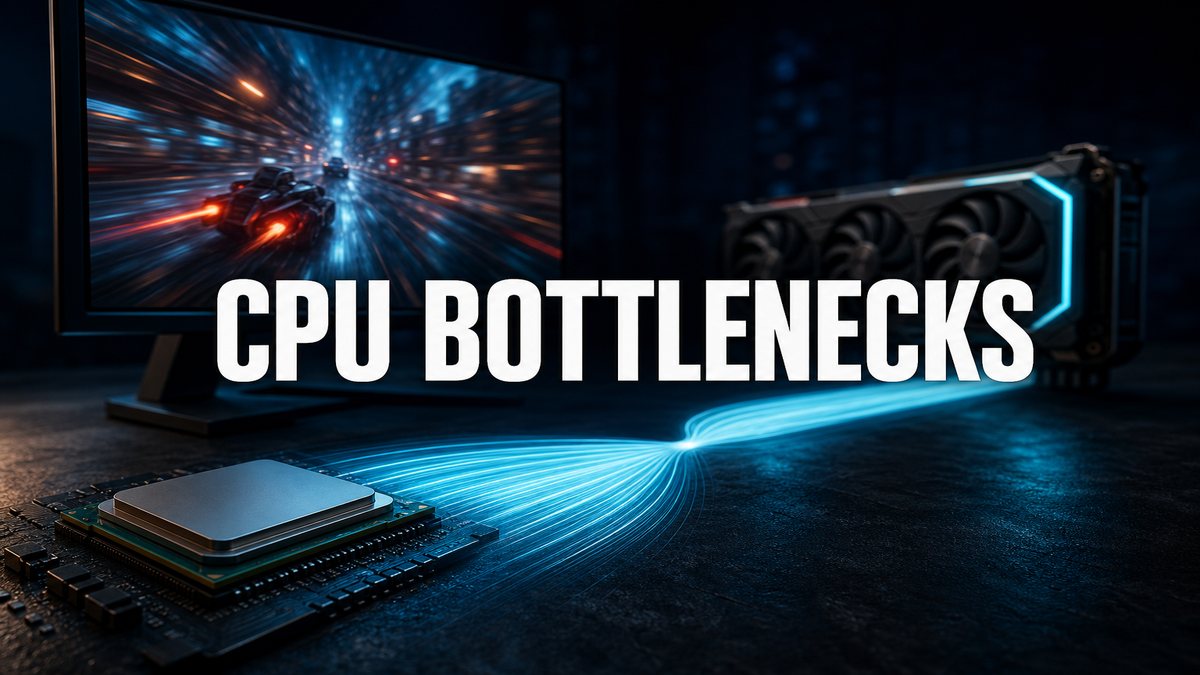
High refresh exposes the CPU
At 60Hz, many GPUs hide a mediocre CPU. At 240Hz and above in esports titles, the CPU often becomes the ceiling. This is a different lens than our general GPU upgrade without bottleneck guide.
Symptoms that point to CPU limit
- GPU usage sits at 60 to 80 percent while FPS will not climb.
- 1 percent lows feel worse than the average FPS number.
- Closing Chrome and Discord suddenly adds frames.
- Bigger gains appear from a CPU/platform swap than from a GPU swap.
Games that punish old CPUs
Fortnite, Valorant, CS2, and Warzone-style titles at competitive settings are common CPU stress cases. Cinematic single-player games at 1440p ultra often stay GPU-bound longer.
Ontario upgrade order
Confirm the bottleneck with an overlay (GPU usage + FPS). If CPU-bound, look at used 3D V-Cache AM4 systems or newer platforms before buying another GPU. Browse balanced systems on inventory.
Frequently asked questions
Does RAM speed matter here?
Yes on some platforms. 32GB configured correctly helps more than rainbow RGB. See RAM and SSD basics for capacity floors.
Will a 360Hz monitor fix it?
No. A faster panel cannot create frames your CPU never delivers. Read refresh rate vs GPU.
Key takeaways
- Measure GPU usage before you spend.
- Esports at high refresh is often a CPU problem.
- Upgrade the limiting part, not the loudest part.
Send your specs and target Hz for a bottleneck call.
Explore more

