How to Upgrade a GPU Without Creating a Bottleneck
A faster graphics card only helps if the rest of the system can feed it. Use this practical Ontario guide to match GPU, CPU, PSU, and monitor goals.
Start with your monitor target
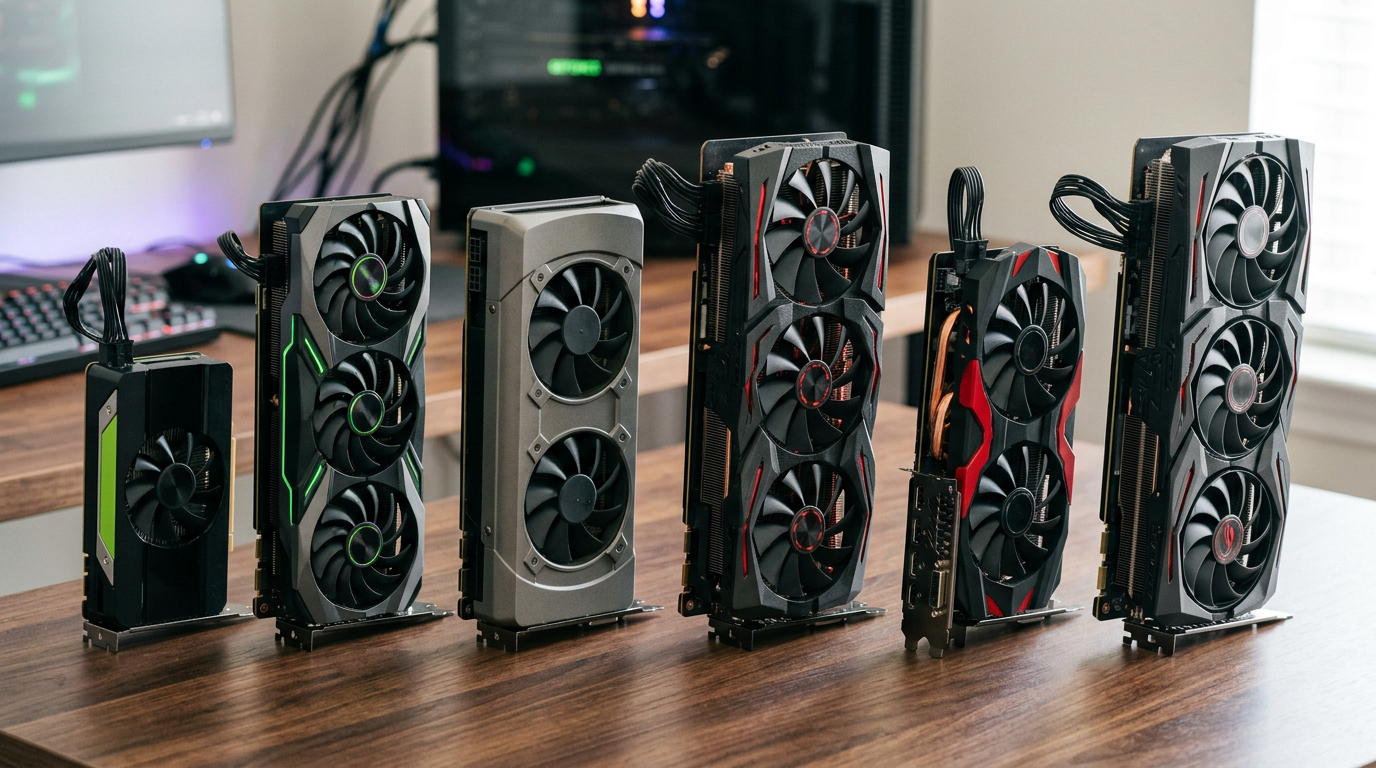
Choose your GPU by resolution and refresh rate first. If you game at 1080p 144 Hz, a mid-tier card can already be enough. Jumping too high without matching CPU and RAM often leaves performance unused. Use our RTX vs Radeon resolution guide as a quick tier map.
Check CPU headroom honestly
At lower resolutions, older CPUs can cap frame rates before a new GPU gets to full utilization. If GPU usage is low while CPU threads are saturated, the bottleneck is upstream. A balanced pairing usually feels smoother than buying the biggest card first. Review core-count tradeoffs in our gaming CPU guide.
Power supply and case airflow matter
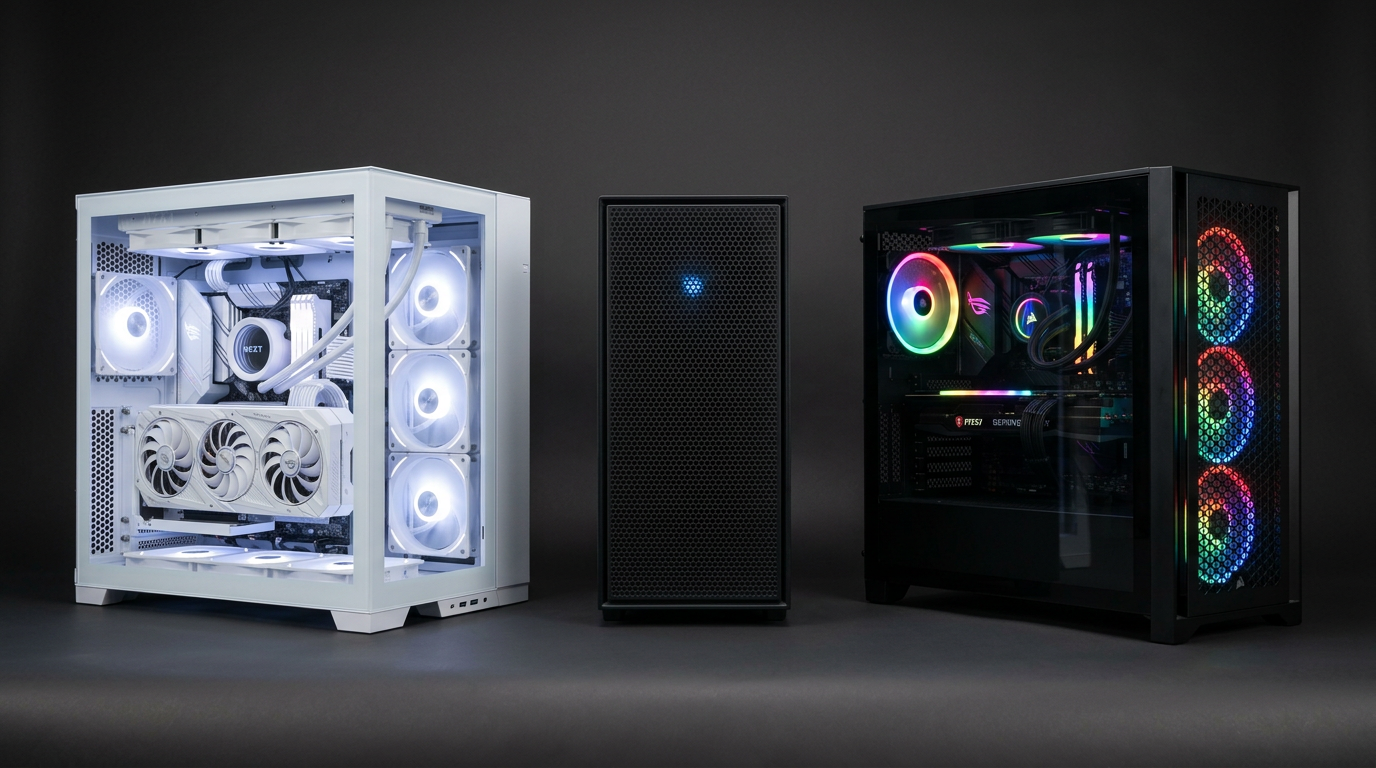
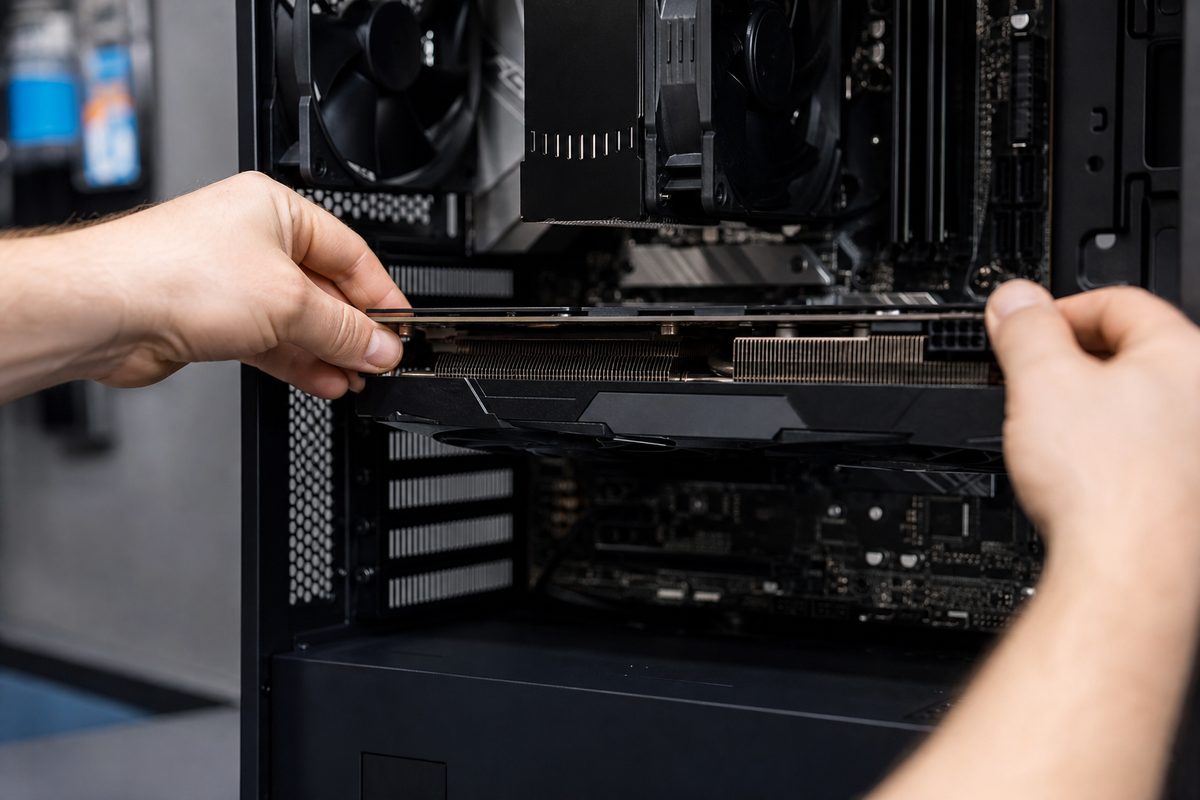
Confirm PSU wattage, connector type, and brand quality before purchase. Also measure case clearance and airflow because hot GPUs can throttle in cramped towers. For Ontario buyers picking up used systems, this is a common hidden cost after meetup day. Our PSU wattage guide covers practical ranges.
Upgrade path that protects budget
Buy the best card your full platform can support today, then plan staged upgrades. If needed, sell old parts promptly while value is still strong through our sell flow. Want complete systems already balanced for gaming? Browse inventory or Contact us with your game list.
Find the sweet spot using our best value GPU guide and current ready-to-play listings in inventory.
Explore more