


What 3D V-Cache Actually Does for Gaming Frame Rates
Why a mid-range CPU with extra cache outruns processors that cost twice as much, and the games where it makes no difference at all.
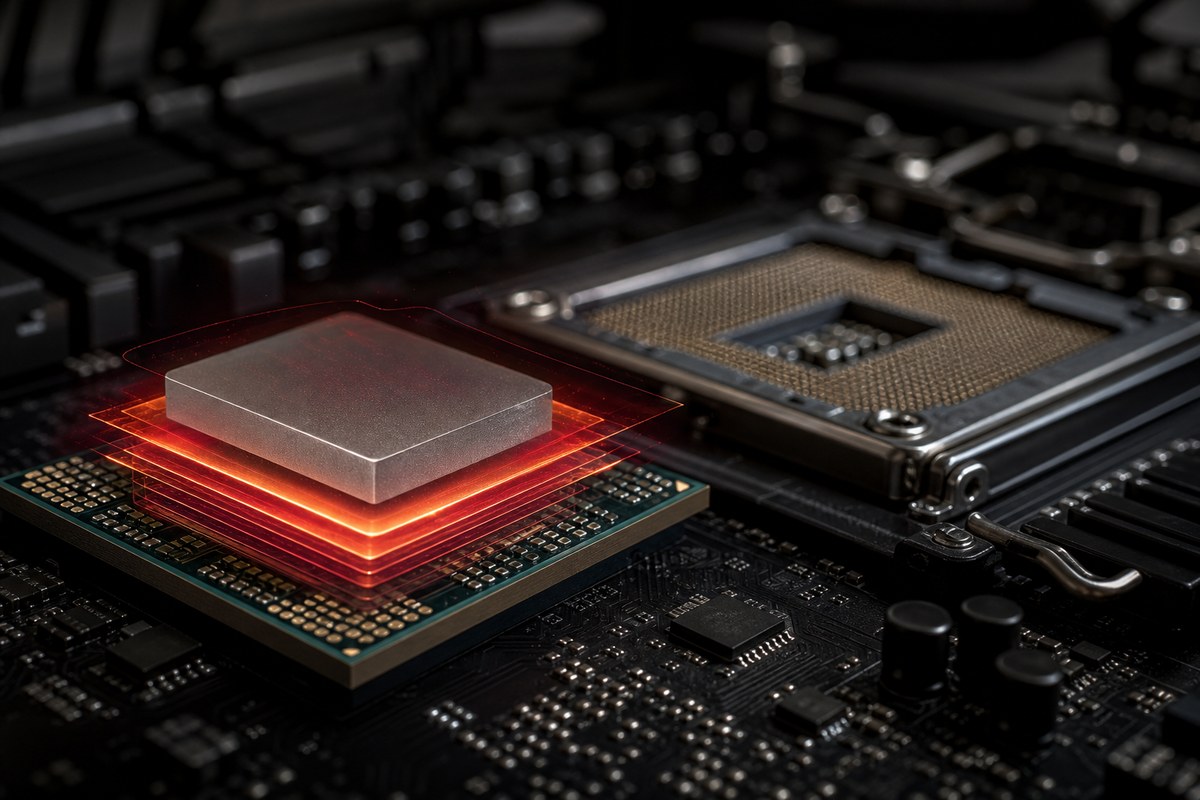
The Ryzen 7 7800X3D has an odd reputation. It has eight cores when rivals have sixteen, it clocks lower than the chip it is based on, and it still tops gaming benchmarks against processors that cost far more. The reason is a slab of extra cache stacked on top of the silicon. Understanding what that cache does tells you whether an X3D chip is worth the premium for the games you play, or whether you are paying for something your library will never use. For a broader look at picking a processor, start with our gaming CPU guide.
Games are usually waiting, not calculating
A modern CPU can perform billions of operations per second, but it can only work on data that has arrived. Fetching a value from system memory takes on the order of 70 to 100 nanoseconds. In CPU terms that is an eternity, and the core sits idle for hundreds of cycles waiting for it.
Cache exists to avoid that wait. It is a small pool of very fast memory built into the processor itself, holding the data the core is most likely to need next. When the required value is already in cache, the wait drops from roughly 80 nanoseconds to a handful. When it is not, the core stalls.
Games are unusually bad at cache behaviour. A game engine jumps between physics, AI, audio, draw call preparation, and asset streaming many times per frame, touching scattered memory rather than working through a neat block of it. That access pattern produces a lot of cache misses, which is exactly the problem extra cache solves.
What AMD stacked on top of the chip
A standard Ryzen 7 7700X has 32MB of L3 cache. The 7800X3D takes the same basic design and bonds an additional 64MB die directly on top of it, bringing the total to 96MB. The connection runs vertically through the silicon rather than out across the package, which keeps latency low and bandwidth high.
Tripling L3 means a much larger share of the game's working data stays on the chip. Fewer trips to system memory means fewer stalls, and fewer stalls means more frames. The gain is not evenly distributed, which is the part most buyers get wrong.
Intel and AMD both increase cache generation to generation, but stacking is what let AMD make the jump in one step without building a much larger, hotter, more expensive die.
Which games respond and which ignore it
The uplift correlates with how much a game thrashes memory. Simulation-heavy and CPU-bound titles gain the most, sometimes 20 to 30 percent. Games that lean almost entirely on the GPU gain close to nothing, because the CPU was never the limiting factor.
A rough guide to where the money goes:
- Large gains: strategy and simulation games tracking thousands of entities, open world titles with heavy streaming, competitive shooters at very high frame rates, and flight or racing simulators.
- Moderate gains: most current AAA action games at 1080p, where the CPU still has influence over minimum frame rates.
- Little or no gain: anything running at 4K with the GPU pinned at 100 percent, and older or lightweight titles that already fit in a normal cache.
Why X3D chips clock lower and run cooler
Stacked cache sits between the compute die and the heat spreader, so heat from the cores has to travel through it. That extra thermal resistance, plus voltage limits needed to protect the stacked silicon, means X3D parts run at lower peak clocks than their standard equivalents and cannot be overclocked in the traditional way.
In practice this is a benefit. The 7800X3D draws far less power under a gaming load than an equivalent Intel flagship, often less than half. Lower power means a smaller cooler works, the case stays quieter, and your electricity bill notices. Our breakdown of what a gaming PC costs to run in Ontario puts real numbers on that.
The trade-off is productivity performance. Lower clocks and fewer cores mean a 7800X3D loses to bigger chips in video rendering, compilation, and other tasks that scale with core count. It is a gaming specialist.
When a non-X3D CPU is the smarter buy
If you game at 4K with a high-end card, your GPU is the bottleneck in almost every title, and the extra cache will show up as a rounding error. Put the money into the graphics card instead.
If you edit video, render 3D, compile code, or run heavy virtual machines, core count and clock speed matter more than cache. A standard Ryzen 9 or a high-core Intel part will finish those jobs faster for the same money.
If your budget is tight, remember that the CPU is rarely what limits an entry or mid-range build. Spending the X3D premium on a better GPU almost always produces more frames. Our notes on CPU limits at high refresh rates explain where that changes.
Checking an X3D system before you buy it
X3D chips are popular enough that mislabelled listings are common, and the cooling requirements are specific. Run through this at the meetup.
- Open Task Manager, go to the Performance tab, and confirm the CPU name ends in X3D. A 7700X and a 7800X3D look identical in a photo of the case.
- Check the L3 cache figure on the same screen. A 7800X3D reports 96MB. If it reports 32MB, the chip is not what the listing claims.
- Confirm the motherboard BIOS is reasonably current. Early AM5 boards shipped before X3D support was finalised, and a stale BIOS can cause instability.
- Load a game and watch CPU temperature. X3D parts should sit comfortably under load with a decent cooler. Consistently high temperatures point to a mounting or paste problem rather than the chip.
- Verify memory is running at its rated speed in dual channel, since cache benefits shrink when memory is misconfigured. Our EXPO and dual channel guide covers the two-minute check.
Frequently asked questions
Is the Ryzen 7 7800X3D still worth buying?
For a gaming-first build, yes. It remains one of the fastest gaming processors available, it draws remarkably little power, and it sits on the AM5 socket, which gives you an upgrade path to later chips without replacing the motherboard. If your workload is mostly rendering or compiling rather than games, a higher core count part serves you better for the same budget.
Does 3D V-Cache help at 1440p and 4K?
The benefit shrinks as resolution rises. At 1080p the CPU has the most influence and X3D gains are largest. At 1440p you still see a measurable improvement in CPU-heavy games and in minimum frame rates. At 4K with a high-end GPU, most titles are entirely graphics limited and the difference between an X3D chip and a standard one is small enough to ignore.
Can you overclock an X3D processor?
Not in the conventional sense. The stacked cache limits the voltage the chip can safely take, so AMD locks traditional multiplier overclocking. You can still use Precision Boost Overdrive and Curve Optimizer to undervolt, which often raises sustained clocks slightly while lowering temperatures. Enabling your memory speed profile gives a bigger real-world gain than any of it.
Do X3D chips need liquid cooling?
No. Because they draw less power than comparable flagship processors, a good air cooler handles a 7800X3D without difficulty. A 360mm liquid cooler is mostly a noise decision rather than a necessity, since spreading the same heat across three fans lets each one spin slower. Cooler contact and paste application matter more than the type of cooler you choose.
Key takeaways
- Extra cache reduces how often the CPU waits on system memory, which is why simulation and competitive titles gain the most and 4K gaming gains the least.
- Confirm the L3 cache figure in Task Manager before buying. It is the fastest way to tell a 7800X3D from a 7700X.
- If you render or compile more than you game, a higher core count chip is the better use of the same money.
Browse tested Ontario gaming PCs, or ask us about a listing before you buy.
Explore more

