Windows 11 Fresh Install on a Used PC
A clean install removes mystery software, old accounts, and hidden startup junk. Follow this Ontario-focused checklist before you trust any used gaming PC.
Back up and verify hardware first
Before formatting anything, confirm the exact CPU, GPU, RAM, and storage model numbers. You will need this to pull the right drivers after install. If specs do not match the listing, stop and resolve it before spending time. Use our inspection checklist as your first pass.
Install Windows 11 clean, not in-place
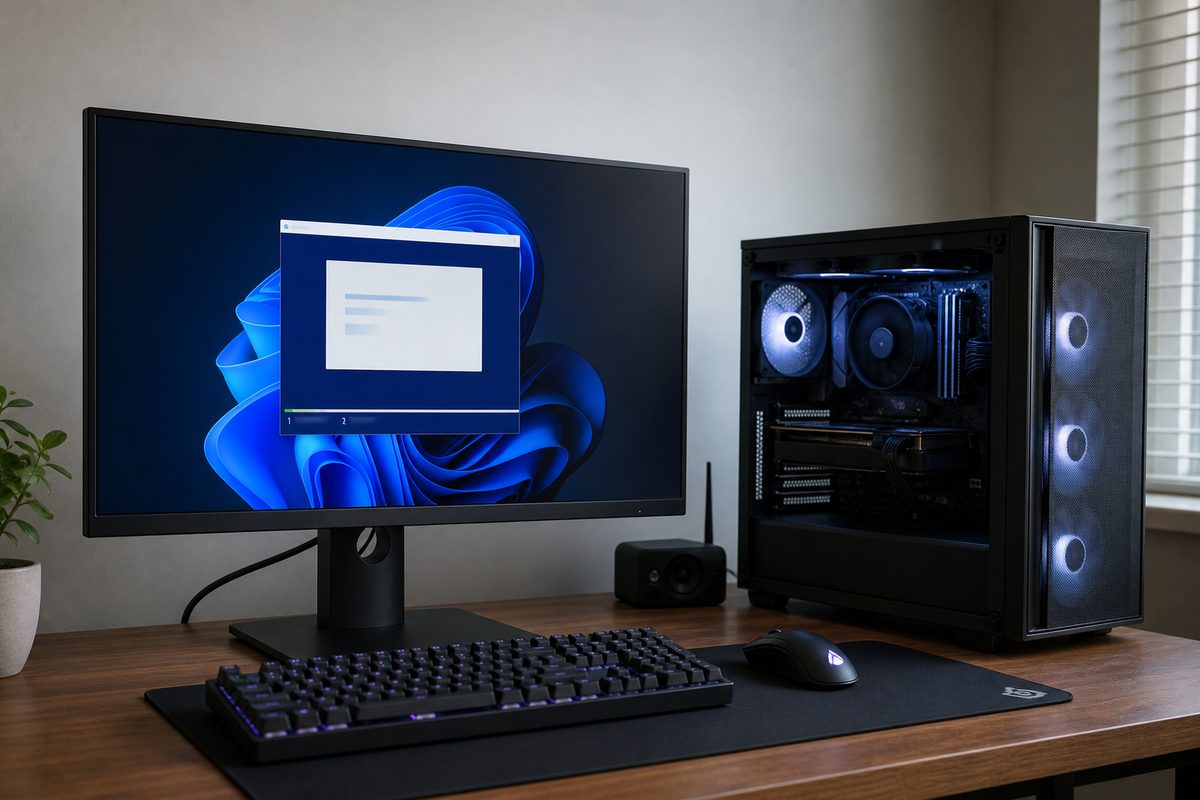
Create a USB installer, boot from it, delete old partitions on the system drive, and install fresh. This removes old profiles, adware, and tuning tools that often cause crashes. Keep only one drive connected during install when possible so boot files land on the correct SSD.
Drivers and BIOS order that prevents headaches
Install chipset and network drivers first, then GPU drivers directly from NVIDIA or AMD. Update BIOS only when needed for stability, memory compatibility, or security notes. If a seller claims a GPU upgrade path, verify PSU headroom too using our PSU wattage guide.
Final checks before daily use
Run Windows Update to completion, enable restore points, then test with a real game plus a stress pass. Check idle and load temperatures, fan noise, and any random restarts. If you want a system already cleaned and verified, browse current inventory or ask us directly. Selling old hardware first can be done from our sell page.
Pair this checklist with our Ontario marketplace scam guide before meeting any private seller.
Explore more