


How to Detect a Former Mining GPU
Mining history is not an automatic failure, but it changes what you inspect, test, and pay for a used graphics card.
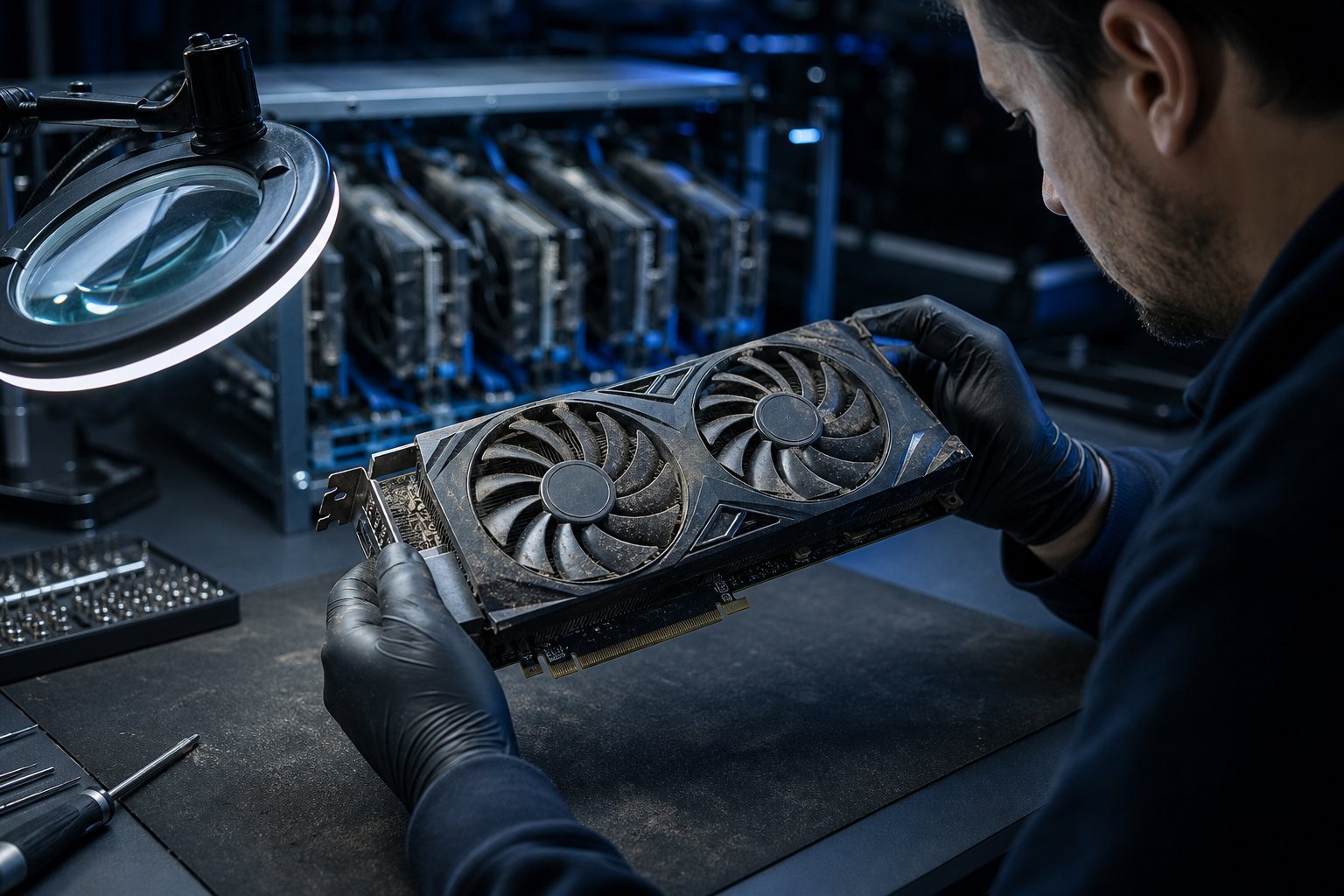
A graphics card used for cryptocurrency mining may have spent years at steady load, often with aggressive fan curves and modified settings. That history does not prove the card is bad. Some miners undervolted and maintained their equipment better than casual owners. The useful question is whether the specific card is stable, original, and priced for its remaining risk. This guide focuses on mining clues and condition testing, not general GPU identity checks covered in our meetup verification guide.
Ask questions that expose the ownership story
Ask how long the seller owned the card, what games they played, why they are selling, and whether they have the original receipt or box. Then ask directly whether it mined cryptocurrency. A vague answer is not proof, but contradictions matter. Someone claiming light weekend gaming should be able to name games, their power supply, and the system the card came from. Multiple identical GPUs, risers, mining power supplies, or listings posted together are stronger clues than dust alone.
Inspect fans, screws, connectors, and corrosion
Mining often wears fans before it harms the GPU silicon. Spin each fan gently while the PC is off. Grinding, wobble, or a fan that stops early suggests bearing wear. Look for rounded screws, missing warranty labels, mismatched thermal pads, oily pad residue, and discoloured power connectors. Check the rear bracket and heatsink fins for corrosion from a damp basement or garage. Uniform fine dust is normal; packed industrial dust and repeated disassembly deserve a lower offer.
Check whether the GPU BIOS is original
Some mining cards used modified video BIOS settings to change memory timings or power limits. Open GPU-Z and compare the reported BIOS version, subsystem vendor, memory size, and device ID with the exact board model. Save nothing and flash nothing during a meetup. If the identifiers conflict with the sticker or the seller says a custom BIOS is required, stop. A modified BIOS can sometimes be restored, but a buyer should not inherit that project at normal market price.
Run a repeatable stability and memory test
Use a known benchmark or demanding game for at least 15 minutes, not a desktop screenshot. Watch core clock, memory clock, fan speed, GPU temperature, hotspot temperature, and power draw. Follow with a VRAM error test when time permits. Look for coloured sparkles, checkerboards, driver resets, black screens, or clocks collapsing after heat builds. Our coil whine and artifacting guide explains why electrical noise alone is different from visual corruption.
- Confirm the exact model and VRAM in GPU-Z.
- Start monitoring before the load so the idle baseline is recorded.
- Run the same benchmark loop several times.
- Stop if artifacts, burning smells, or repeated driver crashes appear.
Interpret temperatures without guessing
A mining card may have a normal core temperature but a large hotspot delta because pads or paste were replaced poorly. Compare results with reviews of the same cooler design, not a different GPU. Fans near maximum speed while clocks fall suggest a service problem. A repaste can fix ordinary thermal aging, but damaged memory or warped mounting is harder. Use the thermal routine in our used PC thermal guide before treating one number as a verdict.
Decide whether the price covers the risk
A stable former mining card can be reasonable if the seller is honest, the BIOS is stock, fans are healthy, and the discount leaves room for maintenance. Do not pay collector pricing for a card with unknown history and replacement fans. Walk away from artifacting, corrosion, melted connectors, identity mismatches, or a seller who blocks testing. Mining history should change your evidence threshold and offer, not replace condition testing with a simple yes or no rule.
Frequently asked questions
Does mining permanently damage every GPU?
No. Constant load can age fans and thermal materials, but controlled temperatures and undervolting may be less stressful than repeated hot gaming cycles. The card's present stability, temperatures, physical condition, and BIOS matter more than the mining label by itself.
Can software prove that a GPU was used for mining?
Usually not with certainty. Software can reveal a modified BIOS, unusual limits, errors, or instability, but there is no universal mining-history counter. Combine the ownership story, physical evidence, identifiers, and load-test results.
Should I replace fans and thermal pads immediately?
Replace parts only when inspection or measurements justify it. Unnecessary pad changes can worsen contact if thickness is wrong. Budget for fan replacement when bearings grind or wobble, and use the exact pad specification for that model.
How long should I test a suspected mining GPU?
Fifteen minutes is a practical meetup minimum, but longer is better because heat-related faults may appear late. Use repeated benchmark loops plus a VRAM test, and arrange a return agreement if the seller will not allow enough time.
Key takeaways
- Mining history is a risk factor, not an automatic failure.
- Check BIOS identity, fan wear, hotspot behaviour, and VRAM stability.
- Walk away from artifacts, corrosion, melted plugs, or blocked testing.
Browse tested Ontario gaming PCs, or ask us about a listing before you buy.
Explore more

