


Thermals, Dust, and Paste on Used PCs
How to read temperatures at a meetup, when dust is cosmetic versus dangerous, and how dried thermal paste becomes negotiation leverage.
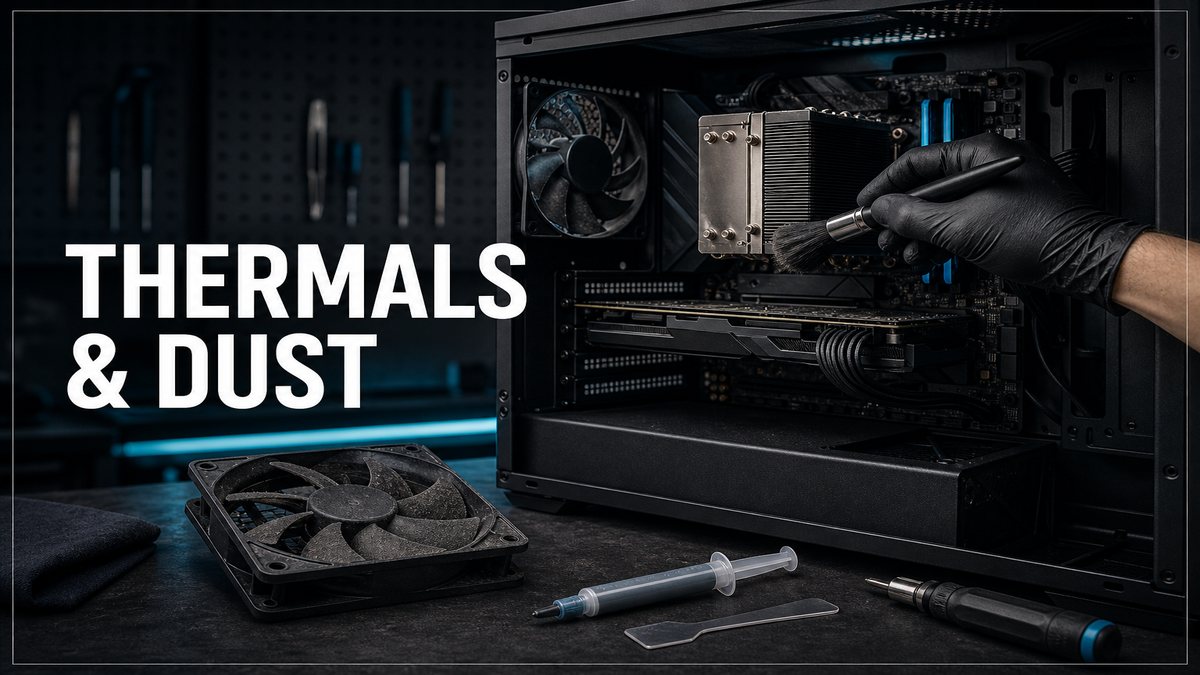
Heat is a condition report
A used PC can look clean and still cook itself. Dust blankets, dead heatpipes, and five-year-old paste show up as thermal throttling. This is the deep thermal layer beside the quick checks in our inspection checklist.
Meetup thermal routine
- Idle temps on desktop for a minute.
- Load a game or stress tool for five to ten minutes.
- Watch CPU and GPU junction/hotspot if sensors expose them.
- Listen for fans screaming at 100 percent just to hold baseline clocks.
Dust vs damage
Surface dust on a filter is normal. Carpet fur baked into a GPU heatsink with hotspot spikes is a service job. Factor cleanup time into your offer or ask the seller to clean it before purchase.
Paste and pad politics
Dried paste alone is often fixable. That does not mean you pay top dollar for a machine that throttles today. Either discount for the service work or walk. Liquid metal horror stories exist; if someone brags about a risky re-paste without proof of skill, be careful.
Frequently asked questions
What temp is "too hot" in a parking lot test?
Context matters by CPU/GPU. Sudden throttling, thermal alarms, or 100 percent fans with falling clocks matter more than one absolute number.
Should I repaste before resale?
If you flip PCs, yes when temps are ugly. Document before/after if you want buyer trust.
Key takeaways
- Load the PC; idle numbers lie.
- Dust and paste are leverage, not vibes.
- Throttling under light load is a serious defect.
We sell cleaned, tested systems on inventory.
Explore more

