


Bent CPU Socket Pins and Mounting Damage
One displaced contact or overtightened cooler can turn a normal-looking used PC into an intermittent memory, boot, or PCIe problem.
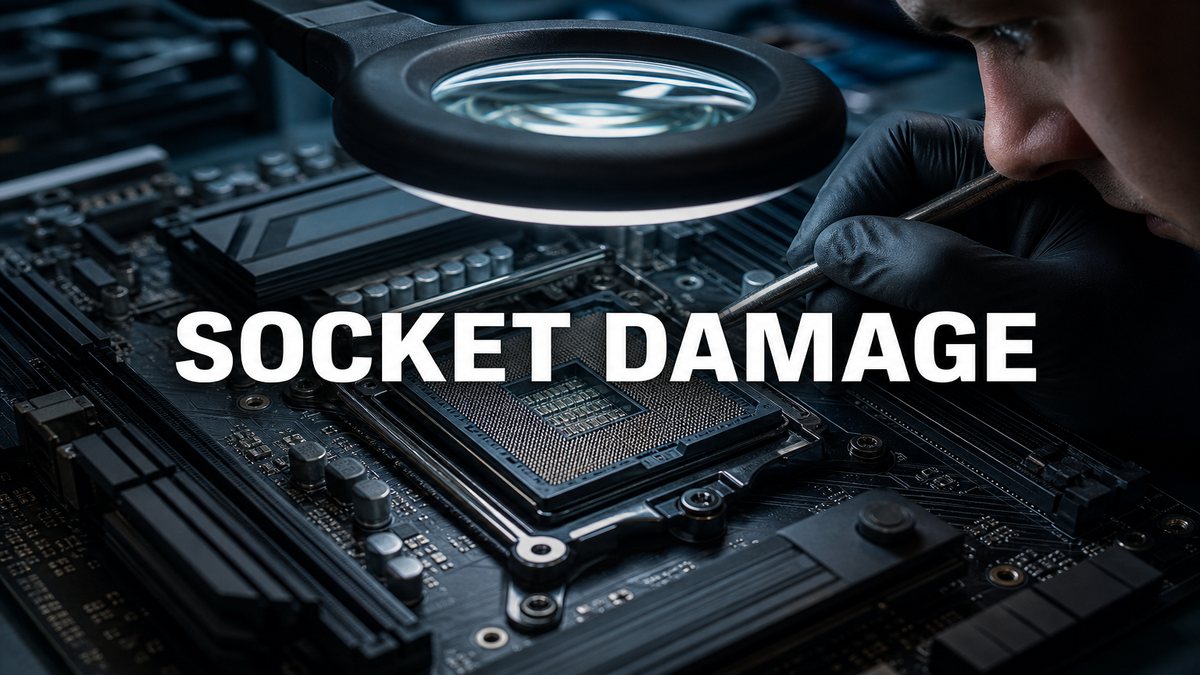
CPU socket damage is easy to miss because the cooler hides the contact area and the machine may still boot. Land grid array sockets place delicate spring contacts in the motherboard, while pin grid array processors carry exposed pins on the CPU. This guide covers signs and testing without encouraging a risky cooler removal during a short meetup.
Recognize symptoms that point toward socket contact
Missing memory channels, a RAM slot that never trains, intermittent no-boot behaviour, unexplained PCI Express lane loss, or a CPU error LED can result from socket contact problems. They can also come from memory, firmware, or the motherboard itself. Check the full hardware inventory first. Our dual-channel memory guide shows how to confirm channel operation before disassembly.
Inspect mounting hardware from outside
With the PC off and unplugged, look for a cooler leaning relative to the board, missing backplate hardware, mixed screws, bent mounting arms, or a motherboard bowed around the socket. Check whether the cooler can move with very light pressure. Do not force it. Thermal paste squeezed far beyond the heat spreader or tool marks around the retention mechanism suggest repeated or careless installation.
Only expose the socket with permission and time
Removing a cooler creates new risks: dried paste can pull a pin-grid CPU from a locked socket, liquid can spill from an open-loop system, and reinstalling without correct paste or torque can worsen the machine. If the seller agrees, photograph cable routing and mounting order, warm stubborn paste through normal operation first, shut down, and follow the cooler maker's removal instructions.
Examine contact alignment under controlled light
Use bright, angled light and view an LGA socket from several directions. Healthy contacts form repeating, uniform reflections; a bent contact breaks that pattern. On a PGA processor, inspect rows from two perpendicular edges without touching pins. Also look for paste, fibres, corrosion, damaged socket plastic, or a retention frame that does not close evenly. Never scrape contacts with a tool during a purchase inspection.
- Photograph the untouched socket and CPU orientation.
- Use angled light and magnification without contacting pins.
- Compare reflections or pin rows from multiple directions.
- Stop if contamination, displaced contacts, or damaged retention hardware appears.
Retest memory, thermals, and PCIe after assembly
A visual pass is not enough after the cooler returns. Confirm all installed memory is detected in the expected channels, run a memory test, check CPU temperature and clock behaviour, and verify the GPU link. Uneven cooler pressure can alter socket contact or thermal transfer. The thermal inspection guide explains how to interpret clocks and temperature together.
Treat repairability as uncertain
Some specialists can realign a contact, but a single contact may break and socket replacement requires advanced board work. Do not value a damaged motherboard as a simple do-it-yourself fix. If the system only works with one memory channel, requires cooler pressure tricks, or shows visible socket damage, price in motherboard replacement and the chance that the CPU was also mishandled.
Frequently asked questions
Can a PC boot with bent socket pins?
Yes. The affected contact may serve one memory channel, PCIe lane group, or optional function, so the system can boot while features fail or stability suffers.
Should I remove the CPU cooler at a meetup?
Only with the owner's permission, suitable tools, replacement thermal paste, and enough time to reinstall and retest correctly. Otherwise use external and functional evidence.
Can overtightening a cooler damage the motherboard?
Excess or uneven pressure can bow the board, stress mounting hardware, affect contact, and worsen thermal transfer. Use the cooler manufacturer's mounting method.
Are bent CPU pins easy to repair?
Sometimes a skilled technician can realign them, but contacts can snap and hidden damage may remain. A buyer should treat the outcome and cost as uncertain.
Key takeaways
- Missing memory channels and PCIe issues can point to socket contact damage.
- Do not expose a socket unless it can be safely reassembled and fully retested.
- Visible bent contacts or pressure-dependent operation should be valued as major repair risk.
Browse tested Ontario gaming PCs, or ask us about a listing before you buy.
Explore more

