Prebuilt Gaming PC Checklist
Prebuilts save time when the parts list is honest. This checklist catches the shortcuts before money changes hands.

Buying a prebuilt gaming PC in Ontario is fine when you know what to verify. Retail boxes, local builders, and marketplace resellers all use the same word with different quality. Start with whether prebuilt still makes sense, then run through this list before you open your wallet.
Get the full parts list in writing
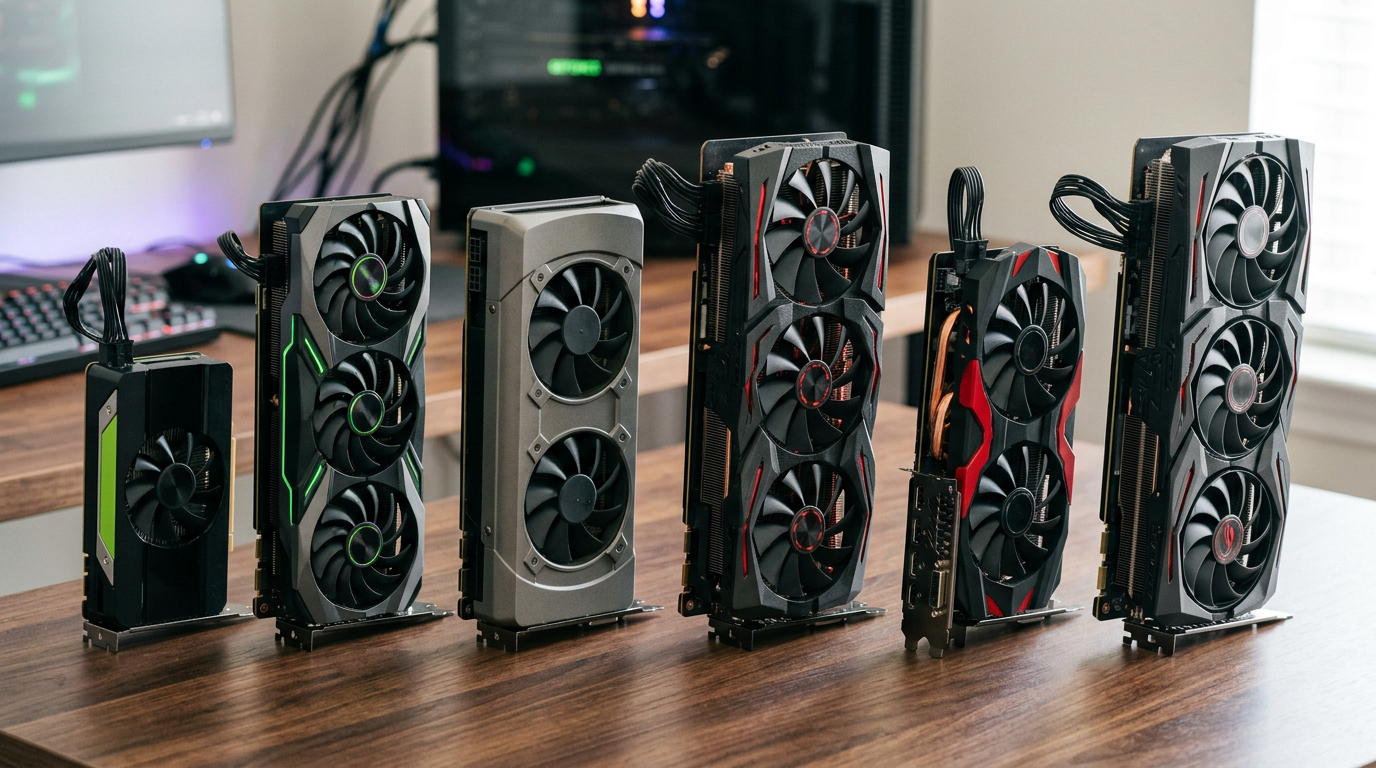
CPU model, GPU model, motherboard chipset, RAM size and speed, SSD model and capacity, PSU brand and wattage, and case airflow matter more than a marketing name like 'Pro Gamer Edition.' If the seller cannot list exact SKUs, treat that as a yellow flag.
PSU and motherboard checks
A prebuilt with a no-name 500 W unit behind a mid GPU is a future headache. Look for 80 Plus rated units with headroom. Our PSU wattage guide explains safe margins. Confirm the board has the ports and Wi-Fi you need before you assume.
RAM and storage layout
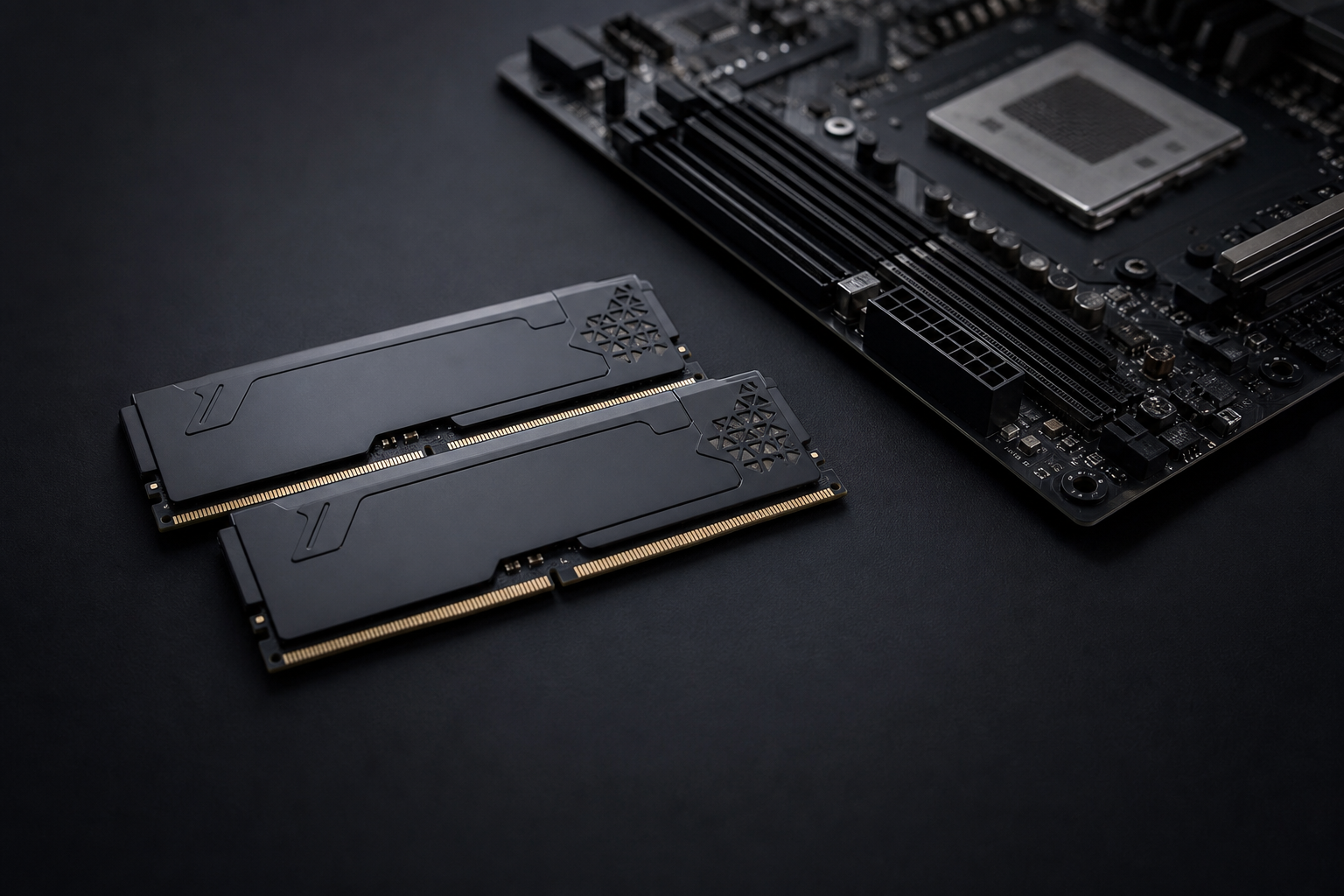
One stick of 16 GB costs less for the builder but hurts performance. Ask for dual-channel config and a primary NVMe, not a tiny SSD plus a slow HDD boot drive. See RAM and SSD basics for sizing.
Thermals, noise, and cable mess
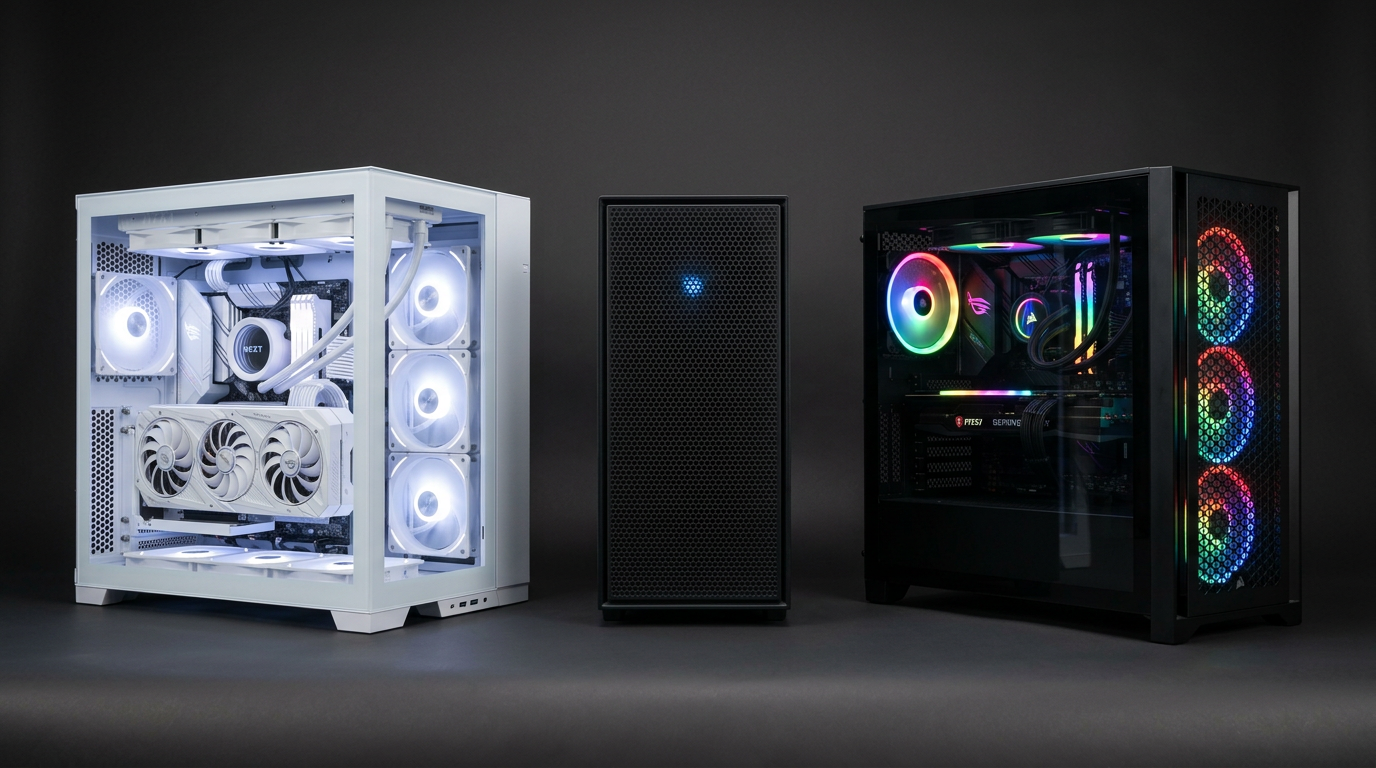
Request a photo with the side panel off. Look for intake fans, GPU clearance, and tidy routing. A prebuilt that runs hot out of the box will throttle in Ontario summers. Listen for coil whine or bearing noise during a short game clip if you buy used.
Warranty, returns, and who supports it
Big-box return windows differ from a local seller's handoff policy. Know who fixes a dead stick of RAM in week two. Read local warranty expectations before you assume Amazon-style returns.
Frequently asked questions
Are Best Buy prebuilts always bad?
Not always, but many cut corners on PSU and RAM config. Read the spec sheet line by line instead of trusting the tier badge.
Should a prebuilt include Windows?
A genuine activated install helps convenience. It does not replace weak hardware. Verify activation after first boot.
Can I upgrade a prebuilt later?
Usually yes for GPU, RAM, and storage. Check case size, PSU wattage, and motherboard chipset before you assume a drop-in GPU upgrade.
Key takeaways
- Demand exact part models, not marketing names.
- Dual-channel RAM and a quality PSU are non-negotiable.
- Confirm warranty and return rules before you pay.
Explore more