


How to Pack a Gaming PC for Shipping
If you must ship a tower in Canada, this is the packing method that prevents GPU sag breakage and courier surprise cubes.
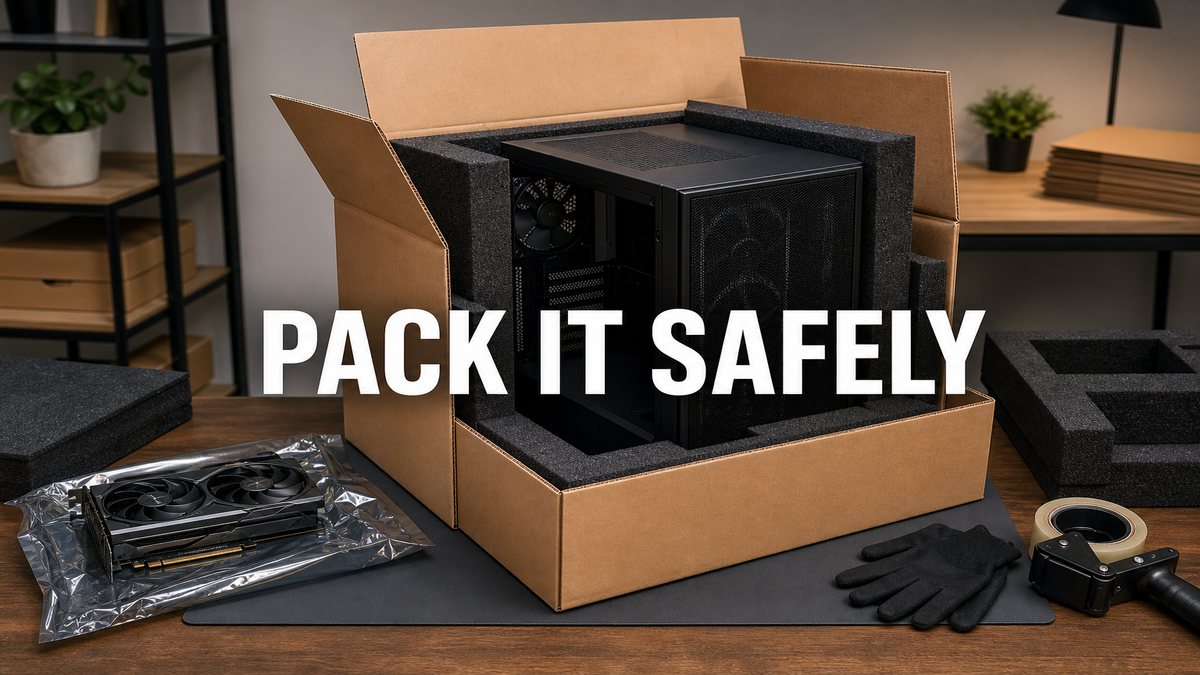
Local still beats shipping
We prefer Ontario door-to-door handoff for a reason. Couriers drop corners. Read delivery vs shipping first. Use this article only when shipping is unavoidable.
Remove or support the GPU
Heavy cards act like levers in transit. Best practice: remove the GPU, pad it in its own anti-static bag and box, and ship it beside the case or separately. If you leave it installed, use a support bracket and fill empty case space so the PCB cannot flex.
Box-in-box method
- Bag original case foam if you have it.
- Wrap the chassis in foam sheets, not only bubble wrap.
- Place inside a snug box.
- Place that box inside a larger box with 5cm+ foam on all sides.
- Label fragile, but do not trust labels alone. Buy insurance that matches value.
What usually breaks
GPU slot damage, glass panels, cooler mounts, and HDD platters if someone still ships spinning disks active in the case. Remove HDDs when possible.
Frequently asked questions
Should I drain an AIO?
Do not open a sealed AIO. Mount radiators so sloshing stress is minimized and pack so tubes are not pinched. See also AIO risks on used PCs.
Is freighter shipping safer than parcel?
Sometimes, with better packaging rules. It is still not a local handshake.
Key takeaways
- Prefer local Ontario delivery when you can.
- GPUs need removal or serious support.
- Box-in-box with real foam, not hopes.
Stay local with us: inventory and doorstep delivery.
Explore more

