Find the GPU Name Before You Sell Your PC
One screen in Windows shows the graphics card. Offers stall when that line says RTX and nothing else.

The longer spec guide covers CPU, RAM, and storage. Sellers still lose the offer on one line: the graphics card. "Gaming GPU" is not a model.
Task Manager is enough
Press Ctrl+Shift+Esc. Open Performance. Choose GPU. The name in the top corner is the one to send. You want the full string, such as NVIDIA GeForce RTX 4060 or AMD Radeon RX 9060 XT, not the word graphics.
If two GPUs are listed, the second is often the chip built into the CPU. The one with the brand GeForce or Radeon, and the higher memory number, is the card buyers pay for.
Put that name in the first message
Write it beside the CPU and the RAM size. A buyer can answer the same day. A buyer who has to ask "which 1080" will move on. Our sold 5600X and RX 9060 XT listing spelled the card out because that 16GB Radeon is a different product from an 8GB card with a similar badge.
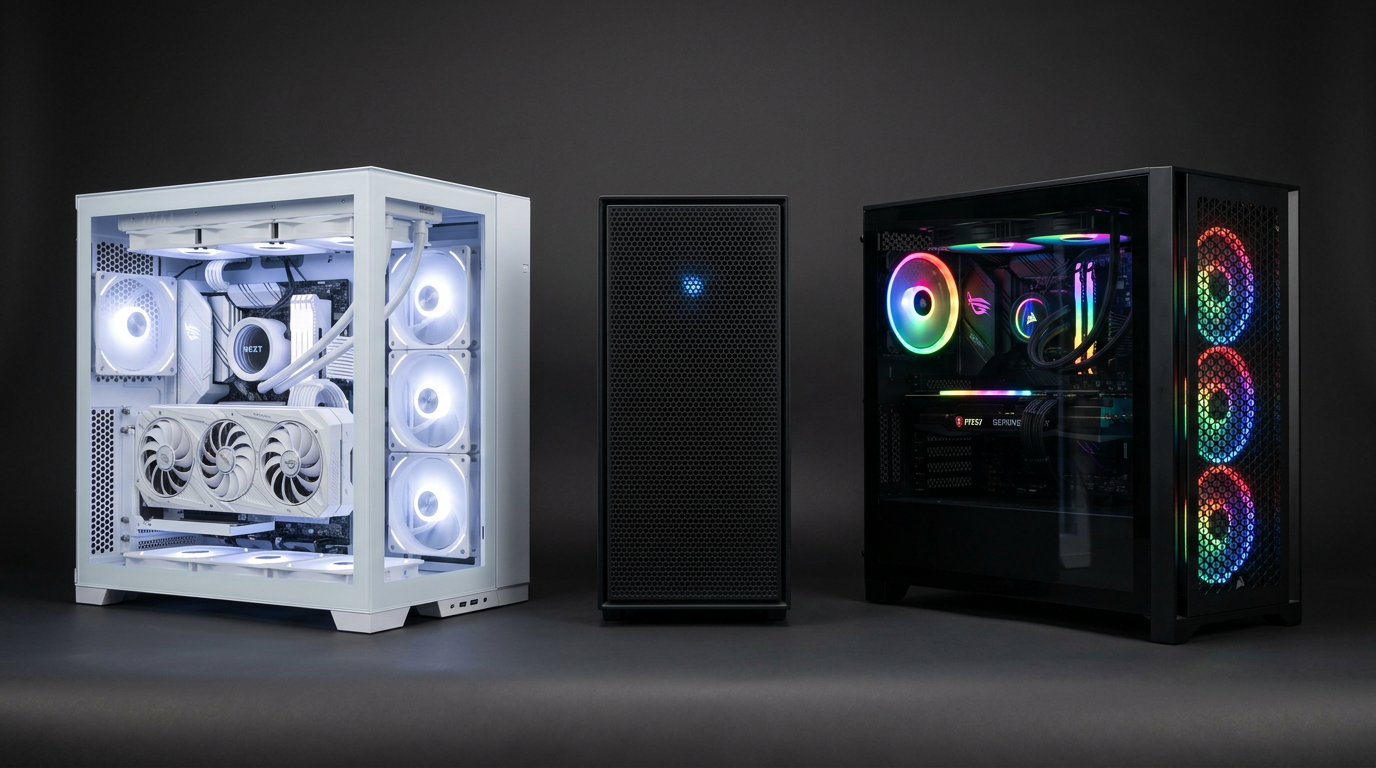
A photo of that Performance page is better than a photo of the closed case. The case does not show the chip.
Frequently asked questions
What if Task Manager only says GPU 0?
Click it. The name is in the corner of that graph. If it is blank, the driver is missing. Say that. Do not guess a model from the box art.
Laptop GPU names look different. Is that normal?
Yes. Laptop cards often add the word Laptop. Send that full name. A laptop 4060 is not a desktop 4060.
Do you need GPU-Z?
No for a first offer. Task Manager is enough to start. GPU-Z helps later if the name looks tampered with.
Key takeaways
- Performance, then GPU, then copy the name in the corner.
- Ignore the tiny integrated chip if a GeForce or Radeon is also listed.
- Put that exact name in the first line of the listing.
Paste it into the sell form with the CPU and RAM.
Explore more